OmniSTAR 8200HP User Manual
Issue 1.07, 10/2008
43
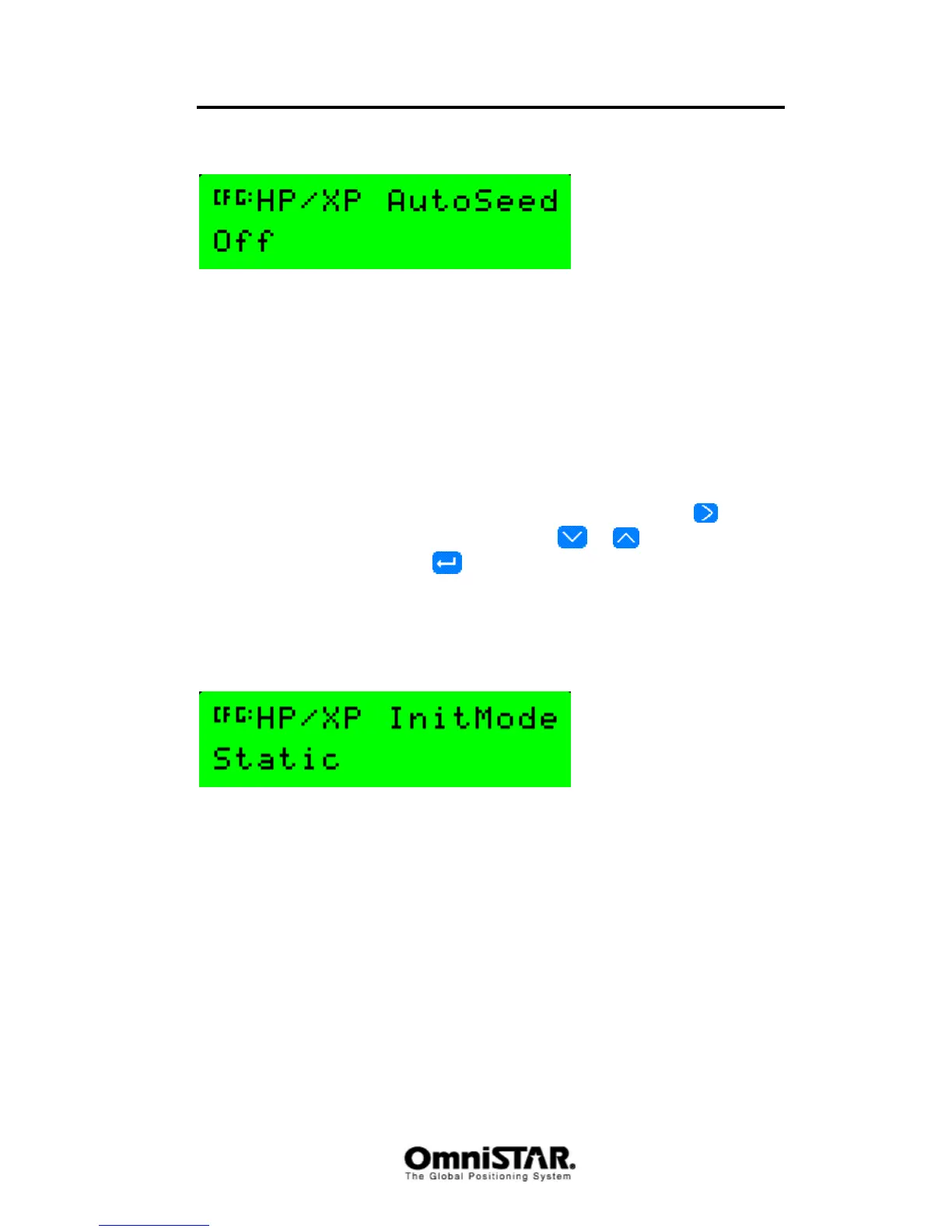
HP/XP Autoseed
Figure 83: HP/XP Autoseed
When the 8200HP loses HP/XP lock, getting a new converged HP/XP position
after regaining a lock can take quite some time. Seeding the receiver (i.e. input
the approximate position and estimated position uncertainties) will reduce the
time needed for HP/XP convergence considerably.
The 8200HP is capable of storing the last known position and position
uncertainties, in case it loses HP/XP lock. When this happens, the last stored
position can be used to seed the receiver in order to get a quick HP/XP
convergence again. Default value for HP/XP AutoSeed is Off.
When HP/XP autoseed is switched on, the right hand side of the bottom line
will display ‘reset’ in lower case. Selecting this text by pressing the
key, the
case can be toggled to upper case by pressing
or . When ‘RESET’ is
displayed in upper case and
is pressed, the last stored position and
position uncertainties are erased from receiver memory. This may be
necessary when the receiver has been moved more than a few decimeters
since HP/XP lock was lost.
HP/XP Init Mode
Figure 84: HP/XP Init mode
Keeping the 8200HP stationary in one place (‘static’) while waiting for the
HP/XP solution to converge will reduce the time needed for convergence. If
keeping the receiver stationary during HP/XP initialisation is not possible, set
the HP/XP InitMode to ‘Roving’. Failing to do so can result in very long HP/XP
convergence times or no convergence at all.



 To Next Page