OmniSTAR 8200HP User Manual
Issue 1.07, 10/2008
41
VBS’. Mind that, although it is always possible to select OmniSTAR HP/XP or
OmniSTAR VBS as the primary source of DGPS corrections, a valid
OmniSTAR subscription is required to have the receiver output a DGPS
position.
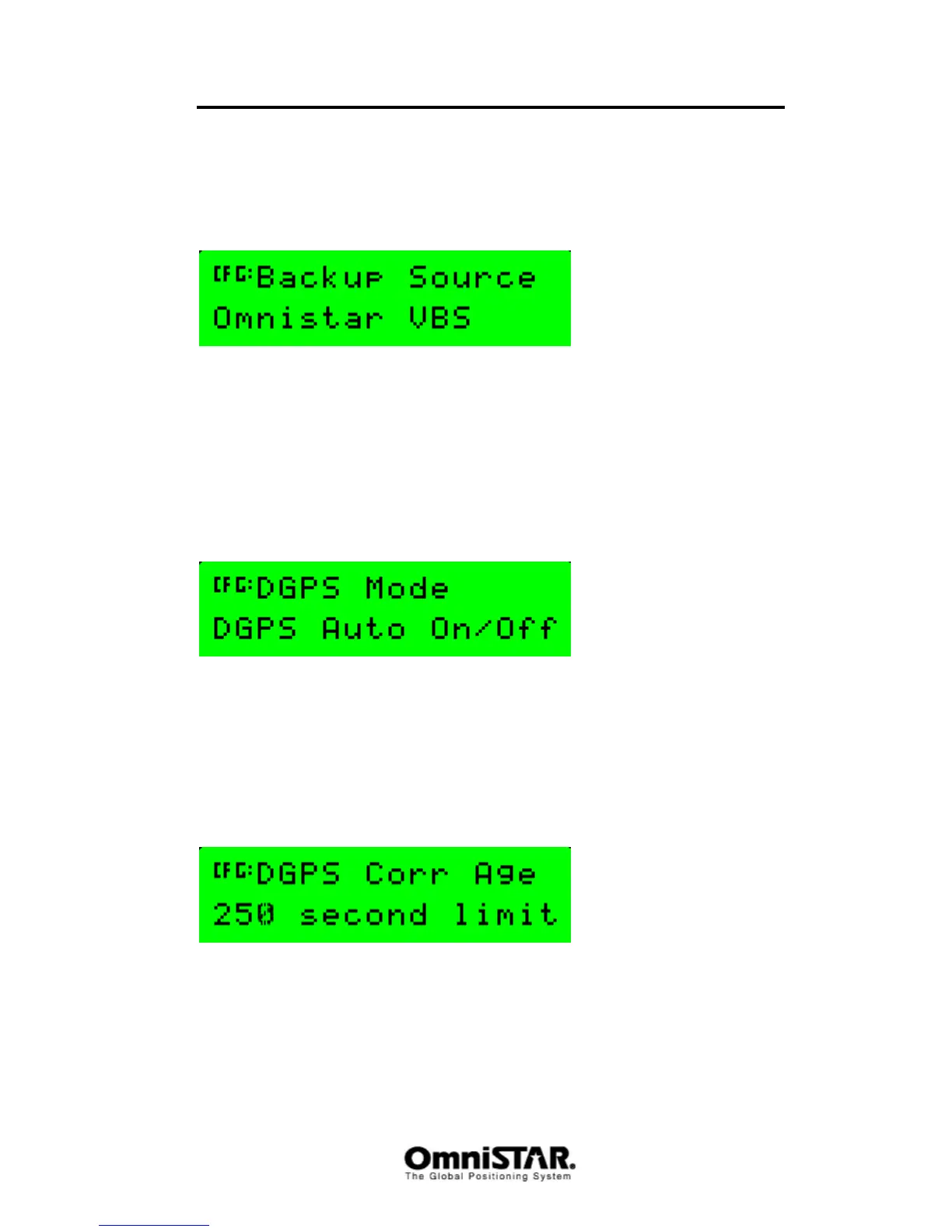
Backup Source
Figure 78: DGPS Backup Source Select
When the primary source of DGPS corrections is OmniSTAR HP/XP,
OmniSTAR VBS can be set as backup source of DGPS corrections in case
HP/XP should fail or be unavailable. Valid options are ‘OmniSTAR VBS’ and
‘None’. Since HP/XP subscriptions usually come with a complimentary VBS
signal, it is strongly advised to set the DGPS backup source to OmniSTAR
VBS if your primary DGPS source is OmniSTAR HP/XP.
DGPS Mode
The DGPS mode screen can be used to control the output behaviour of the
receiver. In DGPS Auto On/Off mode (default setting), a GPS position is
output whenever a DGPS signal is not available. Other options are DGPS Only
(the receiver only outputs DGPS positions, when available) and DGPS Manual
Off (the receiver will only calculate and output GPS positions, even when the
differential signal is available).
DGPS Corr. Age
Figure 79: DGPS Correction Age
In the DGPS Corr Age screen, the maximum age a received differential signal
will stay valid can be set. Valid range is 0 to 250 seconds, with 250 seconds
being the default value. If the last received differential signal is older than the
preset age limit, the 8200HP will revert to calculating and outputting a ‘plain’
GPS position.



 To Next Page