OmniSTAR 8200HP User Manual
Issue 1.07, 10/2008
49
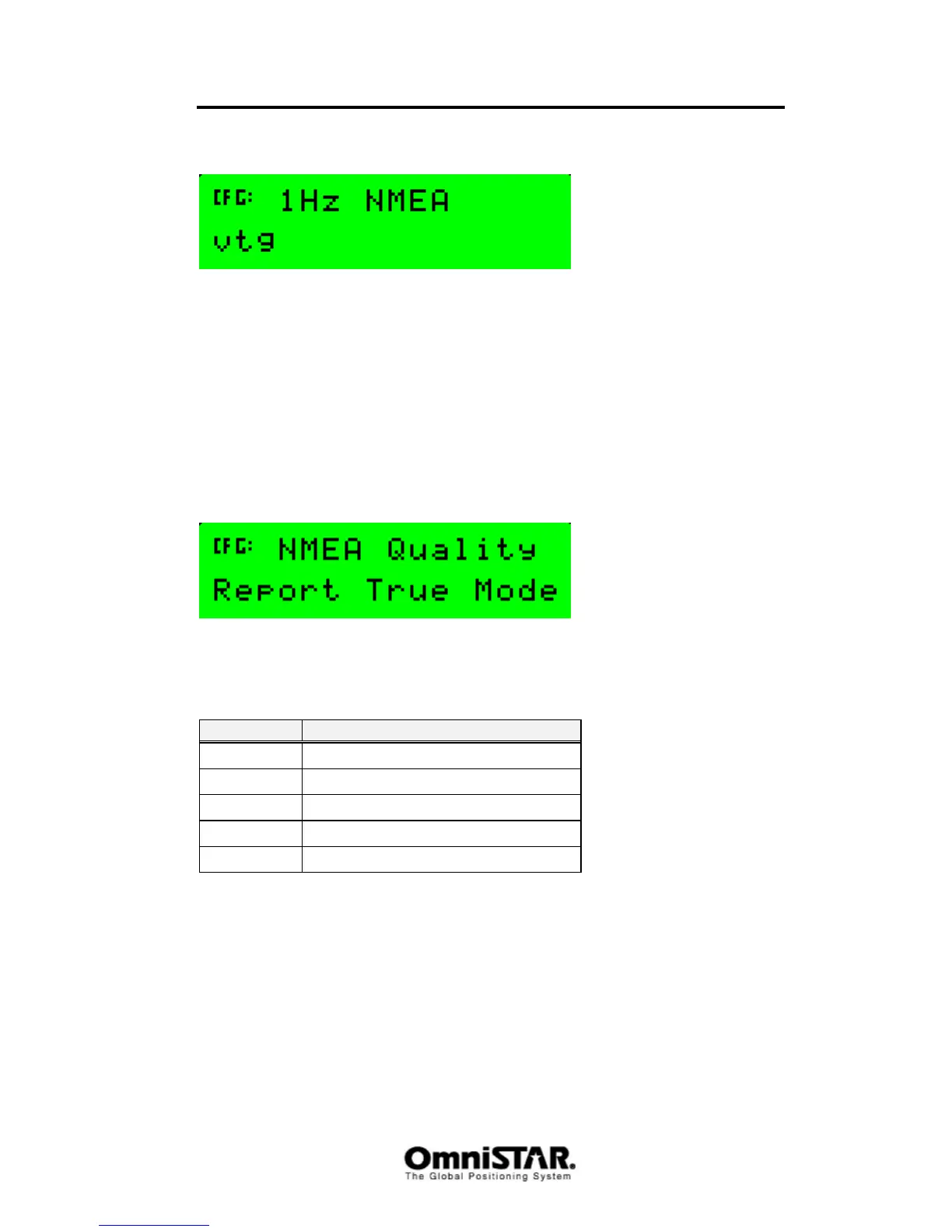
1 Hz NMEA
Figure 93: 1Hz NMEA message output
Some NMEA messages change relatively slow, so to output such a message
faster than once per second would at best only be a waste of bandwidth. The
1Hz NMEA message output screen shows the messages that can be selected
to output at a 1 Hz. rate, regardless of the NMEA output rate set in the
NMEA/TSIP output rates screen. Messages displayed in upper case are
output at a 1 Hz rate, messages displayed in lower case are not. The current
versions of the 8200HP firmware only support setting the VTG message to
1 Hz.
NMEA Quality
Figure 94: NMEA Quality configuration
The NMEA GGA message is used to provide information about the quality of
the (D)GPS solution. Possible values are listed in Table 7.
Value Description
0 No GPS
1 GPS SPS
2 DGPS
4 RTK
5 Float
Table 7: (D)GPS quality indicators
In ‘Report True Mode’, a converged HP/XP solution is reported as RTK (4), an
unconverged HP/XP solution is reported as Float (5). Since some software
packages do not know how to handle GPS quality indicators other than 0, 1
and 2, ‘Limit at DGPS’ mode will limit the GPS quality output to 0, 1 or 2, even
if the solution is a converged or unconverged HP/XP solution.
Sub-menu: Port B Config
The Port B configuration menu is similar to the Port A configuration menu. The
only difference is the first menu item, which is displayed below.



 To Next Page