OmniSTAR 8200HP User Manual
Issue 1.07, 10/2008
38
Other options are Manual 2D (always a 2D position, 3 or more GPS satellites
required) and Manual 3D (always a 3D position, 4 or more GPS satellites
required).
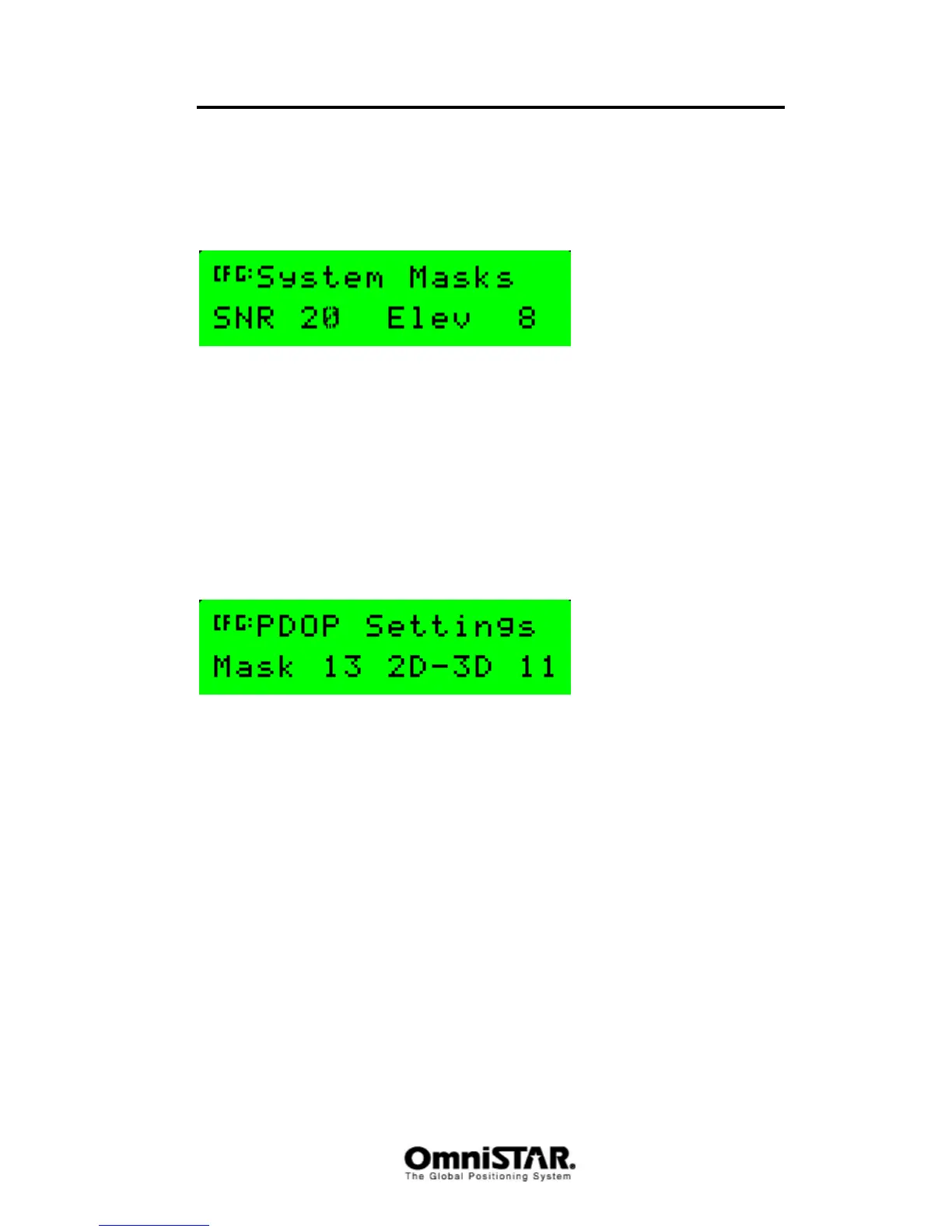
System Masks
Figure 70: System Masks
The system masks control whether or not the receiver will use a certain GPS
satellite for its position calculations. Since the signals of low-elevation
satellites have a larger distance to travel, the signals of those satellites will be
weaker and may cause a larger position error than the signals of satellites at
higher elevations. Default, all satellites with a signal to noise ratio of 37dB or
less and all satellites with an elevation below 8 degrees will not be used in the
position calculations. Valid SNR values lie between 10 and 60, valid Elev
values lie between 0 (satellite at horizon) and 90 (degrees).
PDOP Settings
Figure 71: PDOP Settings
The PDOP Settings screen controls the PDOP value for which the receiver will
switch between 2D and 3D positioning, even if enough GPS satellites are in
view. In the above screenshot, the receiver will fall back to 2D positioning
when the PDOP exceeds 11. ‘Mask’ indicates the PDOP value above which
the receiver will stop calculating a GPS position. A large PDOP value (> 8)
normally indicates bad signal reception and hence a large position error.
Mask values and 2D-3D values both lie between 1 and 99. Keep in mind that
only a mask value larger than the current 2D-3D value makes sense if the
8200HP is to show ‘graceful degradation’ of the position solution (i.e. 3D – 2D
– no position solution).
Default values are Mask: 13, 2D-3D: 11.



 To Next Page