OmniSTAR 8200HP User Manual
Issue 1.07, 10/2008
28
The Solution Convergence screen shows whether or not the HP/XP solution
has already converged to within the set convergence limits (see also the
corresponding configuration screen, described further on in this manual).
Figure 37: HP/XP Info screen: Stop
The Stop screen shows the expiration date of the current OmniSTAR
subscription (mm/dd/yy format). The receiver will stop working in differential
mode when the stop date has been reached or exceeded.
Figure 38: HP/XP Info screen: Subscription type
The Subscription type screen shows the receivers current high-precision mode
(XP or HP). When the receiver is working in HP mode, the screen will show
‘HP Subscription’. When the receiver is working in HP+ or XP mode, the
screen will show ‘XP Subscription’. Since HP only activations are not used
anymore (HP has been upgraded to HP+), this screen will always show ‘XP
Subscription’, even when the receiver has been activated HP+. Check the
Subscription Mode screen (see below) to see the real subscription type.
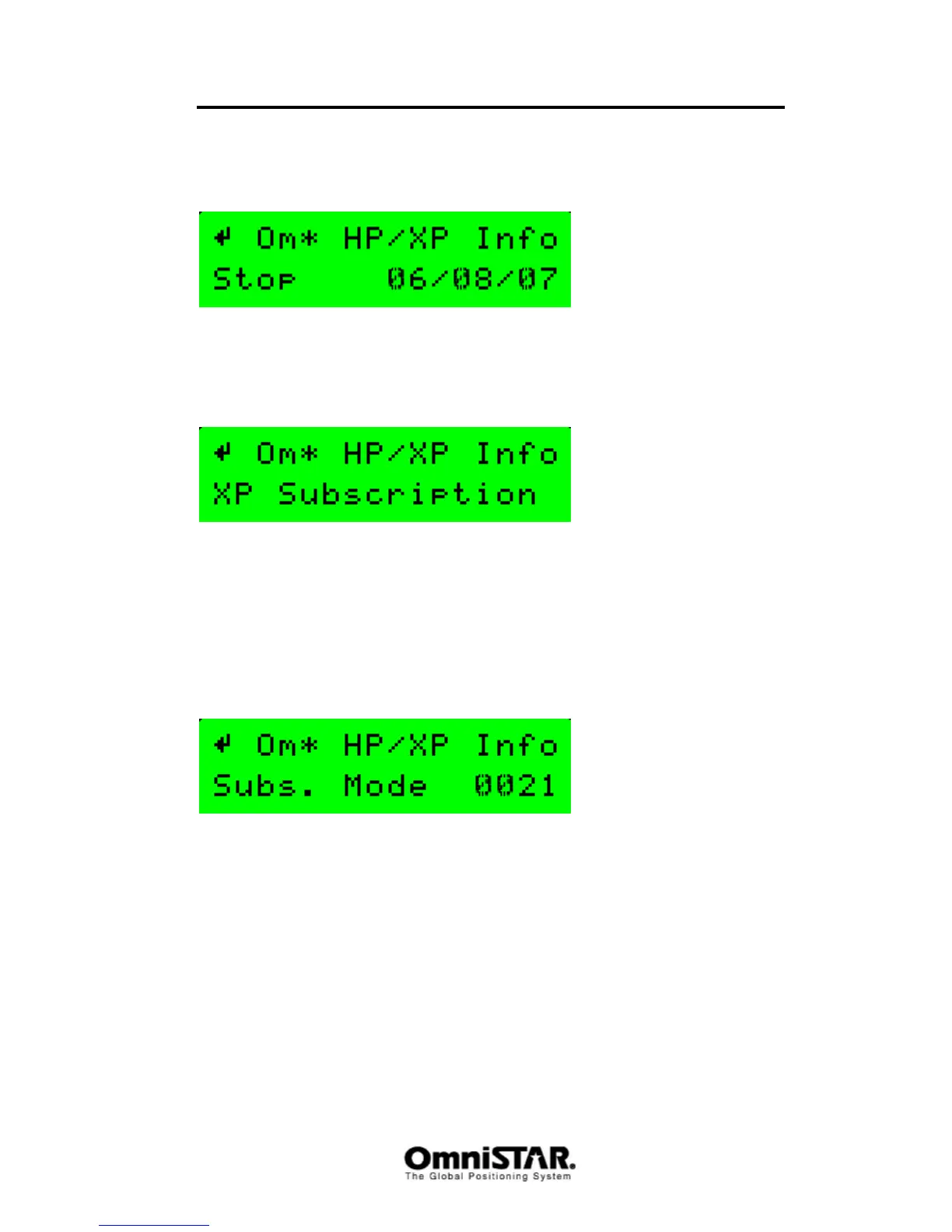
Figure 39: HP/XP Info screen: Subscription mode
The Subscription mode screen shows the current high-precision DGPS mode
of the receiver in more detail than the Subscription type screen (described
above). Refer to Table 4 to determine the subscription type. The entries
marked ‘converged’ are the values shown in the display when convergence of
the position solution has been reached. Note that the table may not be
complete: when other special options for the receiver are set, the values may
differ.



 To Next Page