OmniSTAR 8200HP User Manual
Issue 1.07, 10/2008
74
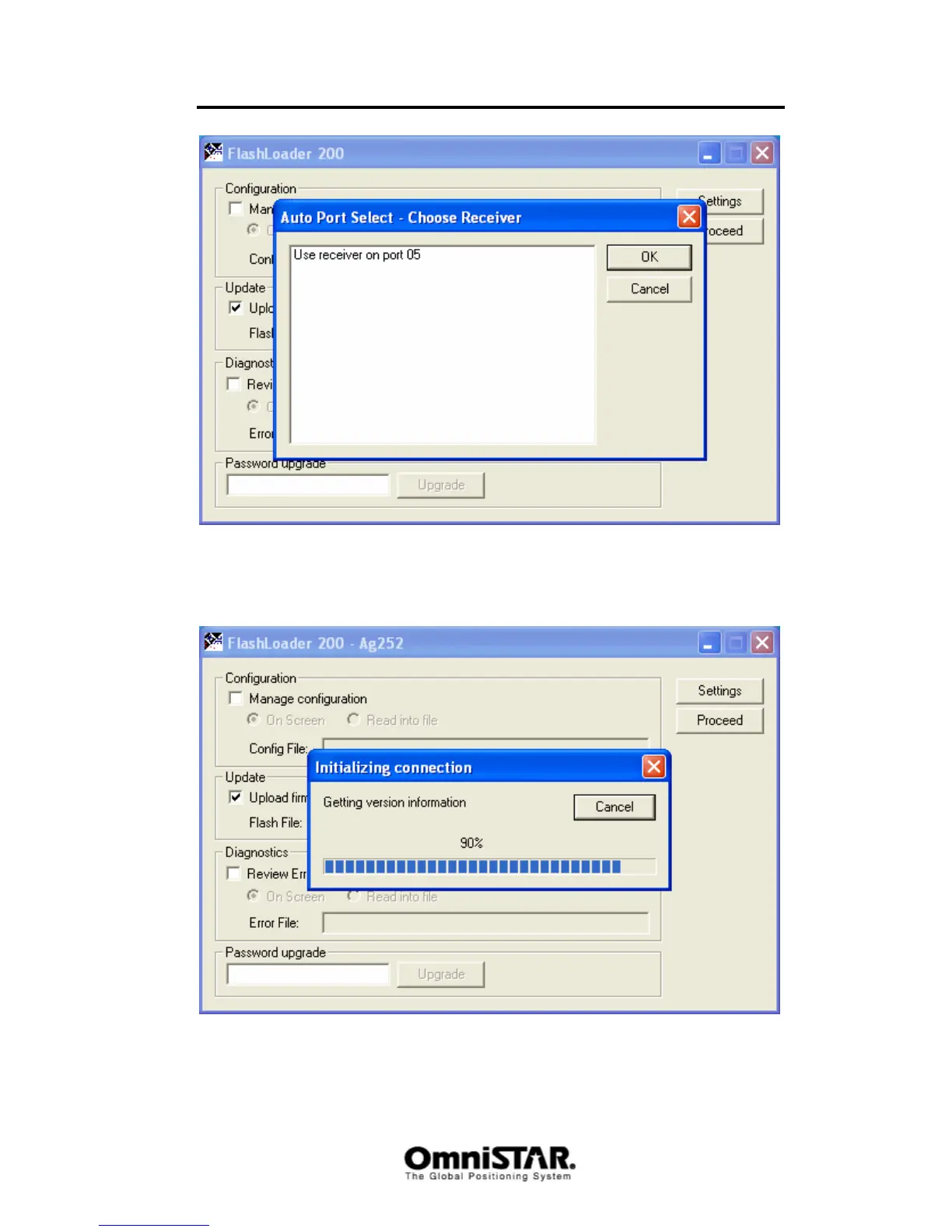
Figure 110: Receiver selection screen
Select the receiver to update and click the ‘OK’ button once. The program will
now connect to the receiver and collect some information from it.
When the program has found the receiver to be compatible with the selected
firmware, it will start to upload the firmware to the receiver (see Figure 111).



 To Next Page