OmniSTAR 8200HP User Manual
Issue 1.07, 10/2008
26
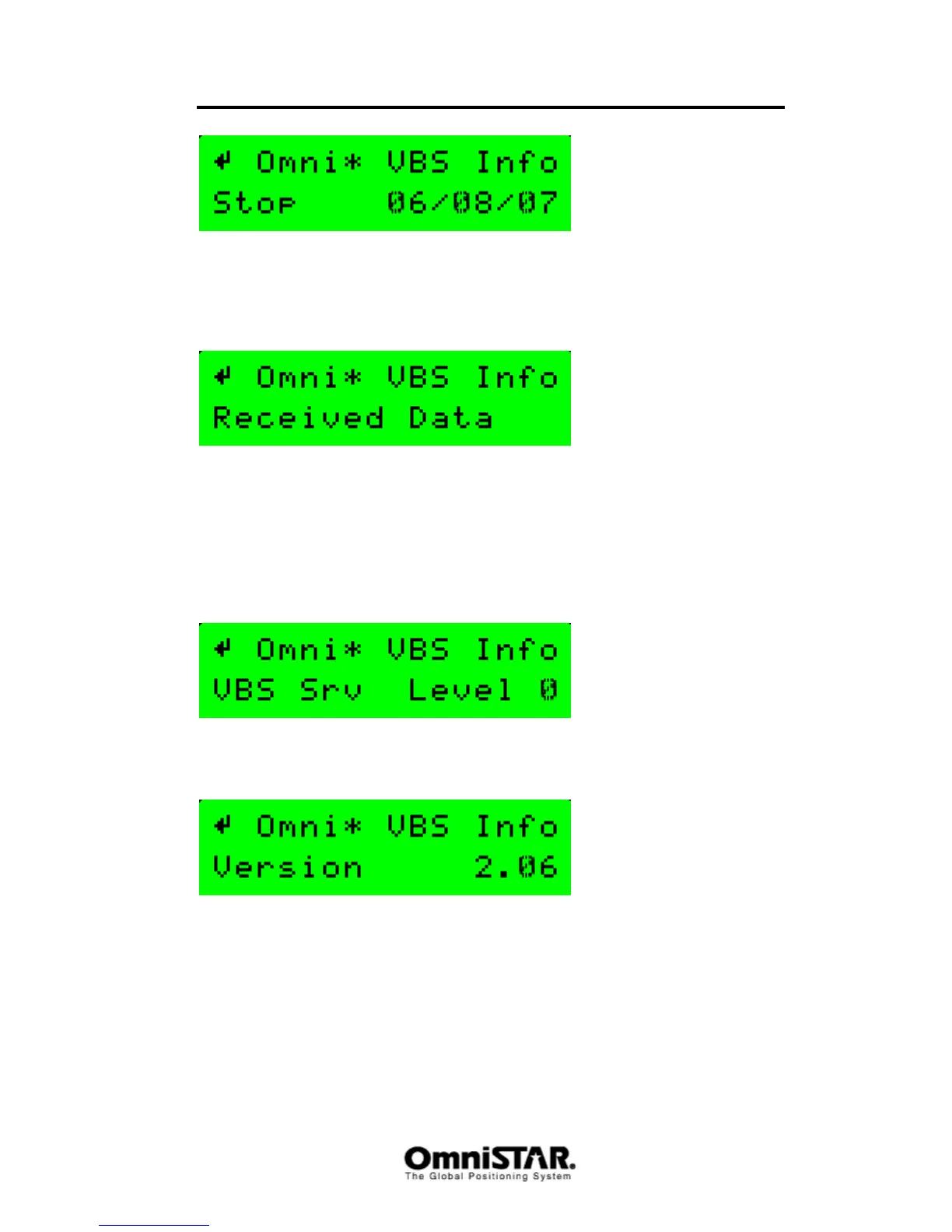
Figure 29: VBS Info screen: Stop
The Stop screen shows the expiration date of the current OmniSTAR
subscription (mm/dd/yy format). The receiver will stop working in differential
mode when the stop date has been reached or exceeded.
Figure 30: VBS Info screen: Received Data
The Received Data screen shows whether or not the 8200HP has received all
necessary information from the OmniSTAR satellite to calculate a VBS
position. If this screen shows ‘Init dec’ instead of ‘Received Data’, either the
8200HP is still downloading time, position, almanac or site table data (each of
these is indicated by a ‘-‘ or an ‘X’ symbol in the lower right hand corner of the
screen) or the antenna (cable) has failed or is not connected.
Figure 31: VBS Info screen: VBS Service Level
VBS service level is not used anymore. It should always be zero.
Figure 32: VBS Info screen: VBS version
The VBS Version screen shows the VBS firmware version currently loaded in
the receiver.



 To Next Page