OmniSTAR 8200HP User Manual
Issue 1.07, 10/2008
30
The second service ID screen, shown in Figure 42, shows the satellite uplink
ID and initial vector for the US/Australia uplink.
Sub-menu: Receiver Status
In the Receiver Status menu, the following information items can be found.
Items are listed in order, cycling through items can be done by pressing the
or buttons.
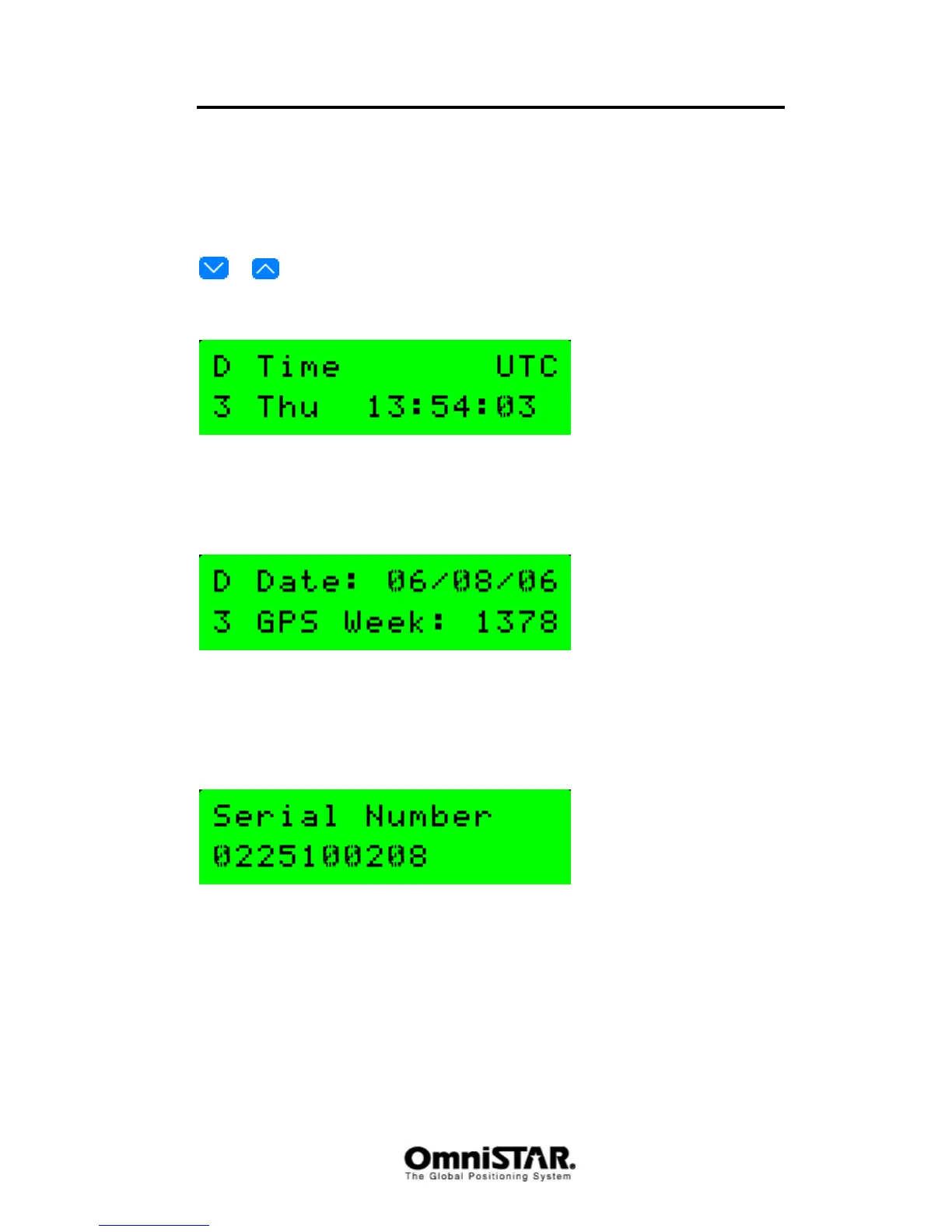
UTC Time/Day
Figure 43: UTC time and day
The UTC time and day shows the current UTC-time and day of the week
UTC Date GPS Week
Figure 44: UTC date and GPS week
The UTC Date and GPS Week screen shows the current UTC-date (mm/dd/yy
format) and GPS week number.
Serial Number
Figure 45: Receiver serial number
The Serial number screen shows the receiver serial number. This serial
number should correspond to the serial number printed on the sticker on the
bottom of the receiver case.



 To Next Page