OmniSTAR 8200HP User Manual
Issue 1.07, 10/2008
18
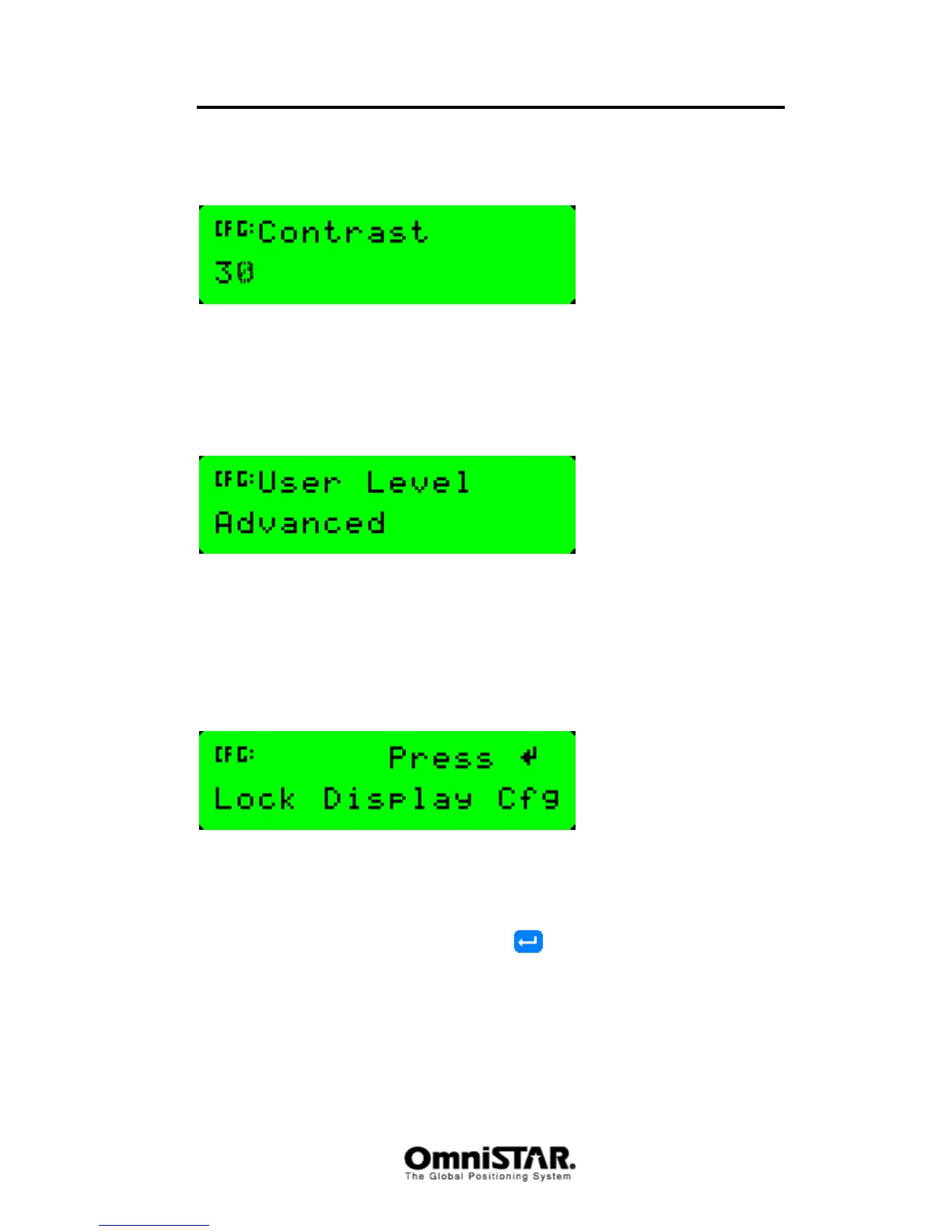
Contrast
Figure 8: Contrast screen
Contrast is a configuration item. Using this screen, the contrast of the
receiver’s LCD screen can be increased or decreased. Default value is 30.
User Level
Figure 9: User level screen
User level is a configuration item. Using this screen, the level of experience of
the user can be set. Possible values are ‘advanced’ (default) and ‘beginner’.
When ‘Beginner’ is selected, the configuration menus are no longer displayed
when navigating the menu structure.
Lock Display
Figure 10: Lock Display screen
Using the Lock Display configuration screen , the User Level screen can be
locked. A rudimentary protection against accidental configuration changes can
be implemented by selecting the user level ‘beginner’ and then lock the user
level screen. To activate the lock, press
to display the Enter Password
screen.



 To Next Page