OmniSTAR 8200HP User Manual
Issue 1.07, 10/2008
22
Sub-menu: GPS Status
In the GPS Status menu, the following information items can be found. Items
are listed in order, cycling through items can be done by pressing the
or
buttons.
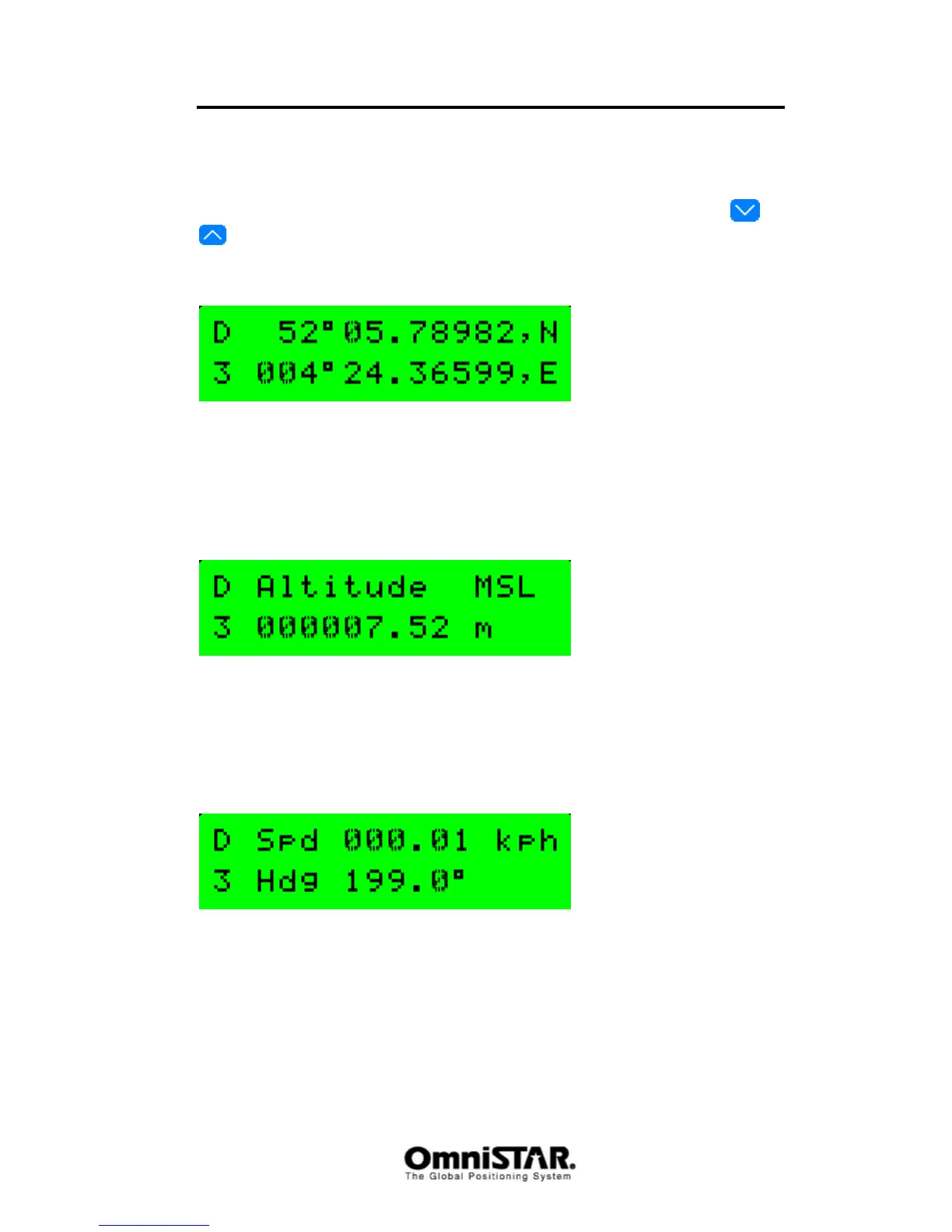
Lat/Long
Figure 18: GPS Lat/Long screen
The Lat/Long screen shows current GPS position (Latitude and Longitude)
along with the status of the position solution on the left side of the display
(GPS or DGPS, 2-D or 3-D)
Altitude
Figure 19: GPS Altitude screen
The Altitude screen shows the current altitude of the antenna above mean sea
level. This screen, like the Lat/Long screen, also shows the status of the
position solution on the left side of the display.
Speed/Heading
Figure 20: GPS Speed and Heading screen
The speed and heading screen shows current speed and heading with
reference to true north of the vehicle carrying the 8200HP. When the 8200HP
is used in static mode, the information in this screen has no meaning except
for the status of the position solution.



 To Next Page