OmniSTAR 8200HP User Manual
Issue 1.07, 10/2008
73
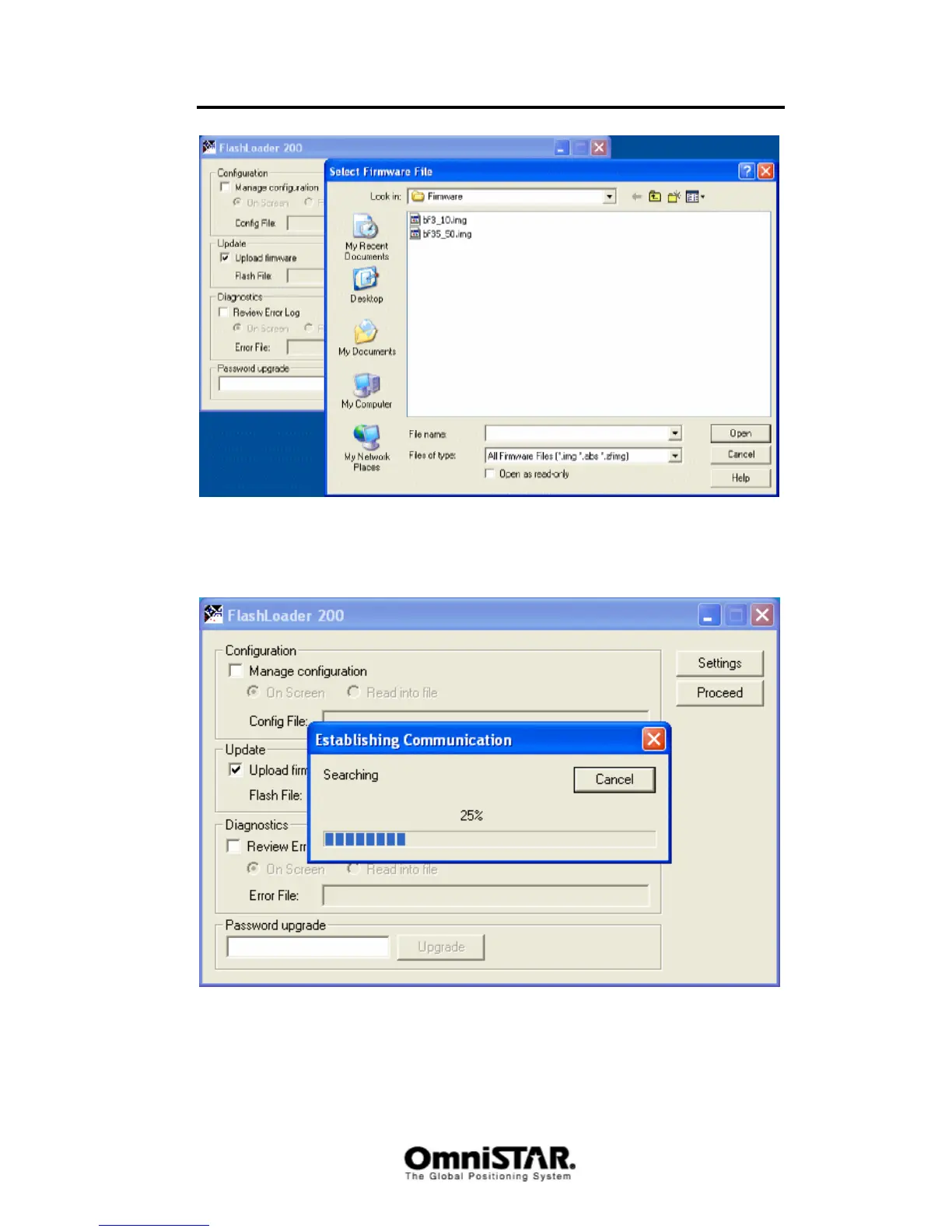
Figure 108: Firmware image selection screen
The program will start searching for a compatible receiver to upload the
firmware to. This will normally not take more than 15-20 seconds.
Figure 109: Establishing communication with the receiver
After the program has finished searching for compatible receivers, it will show
a list of receivers and the computer communication ports they are connected
to. (see Figure 110).



 To Next Page