OmniSTAR 8200HP User Manual
Issue 1.07, 10/2008
40
configured to output the NMEA/TSIP messages at a higher rate (see page 48
of this manual). Default setting of the position rate is 1 Hz.
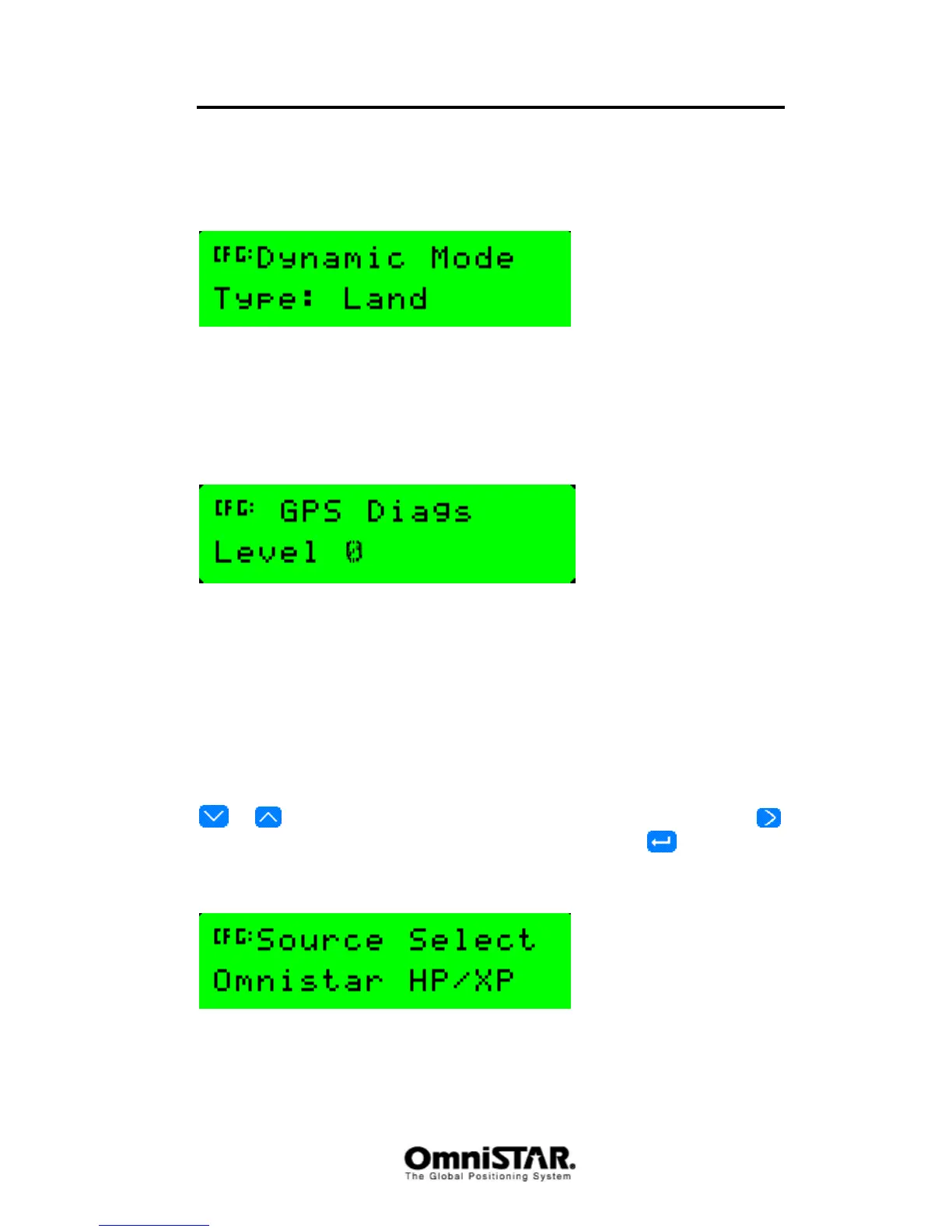
Dynamic Mode
Figure 75: Dynamic Mode
The receiver can be configured for use in different dynamic modes. Each
dynamic mode directly influences the filter settings (see also page 39 of this
manual). Possible values are Static, Land (default value), Sea and Air.
GPS Diags
Figure 76: GPS Diagnostics
GPS diagnostic levels are only used in rare occasions by the manufacturer
support team. Different diagnostic levels can provide additional information
from the satellite and/or differential source being used. Values for GPS Diags
Level range from 0 to 15. Default setting is zero. This value shall not be
changed, unless otherwise instructed by qualified support personnel.
Sub-menu: DGPS Config
In the DGPS Config menu, the following configuration items can be found.
Items are listed in order, cycling through items can be done by pressing the
or buttons. Selecting the item to change is done by pressing the
button (repeatedly, if necessary). To confirm changes, press once.
DGPS Source
Figure 77: DGPS Source Select
Using the Source Select screen, the primary source of DGPS correction
signals can be set. Valid options are ‘OmniSTAR HP/XP’ and ‘OmniSTAR



 To Next Page