OmniSTAR 8200HP User Manual
Issue 1.07, 10/2008
35
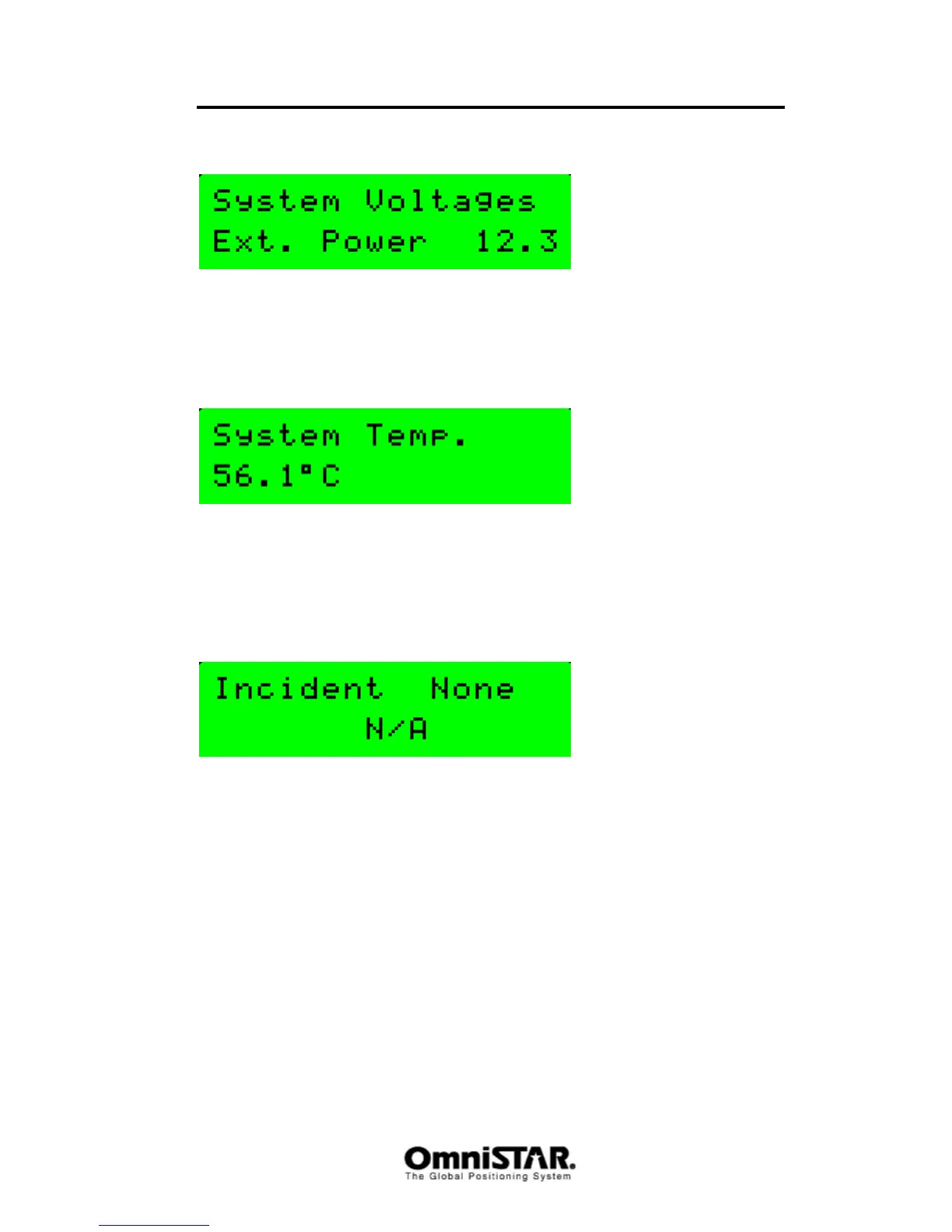
System Voltages
Figure 61: System voltages
The System Voltages screen shows the current power supply voltage of the
receiver.
System Temp
Figure 62: System temperature
The System Temp screen shows the current temperature inside the receiver
case. This temperature is normally higher than the real (ambient) temperature,
as the receiver board itself produces some heat when it is switched on.
Incident Code
Figure 63: Incident code
The Incident Code screen shows the code of the last occurred receiver
incident. Incidents are circumstances causing the receiver to malfunction or
not function correctly.



 To Next Page