OmniSTAR 8200HP User Manual
Issue 1.07, 10/2008
37
screens (when more devices are connected than can be listed on one screen),
press
repeatedly.
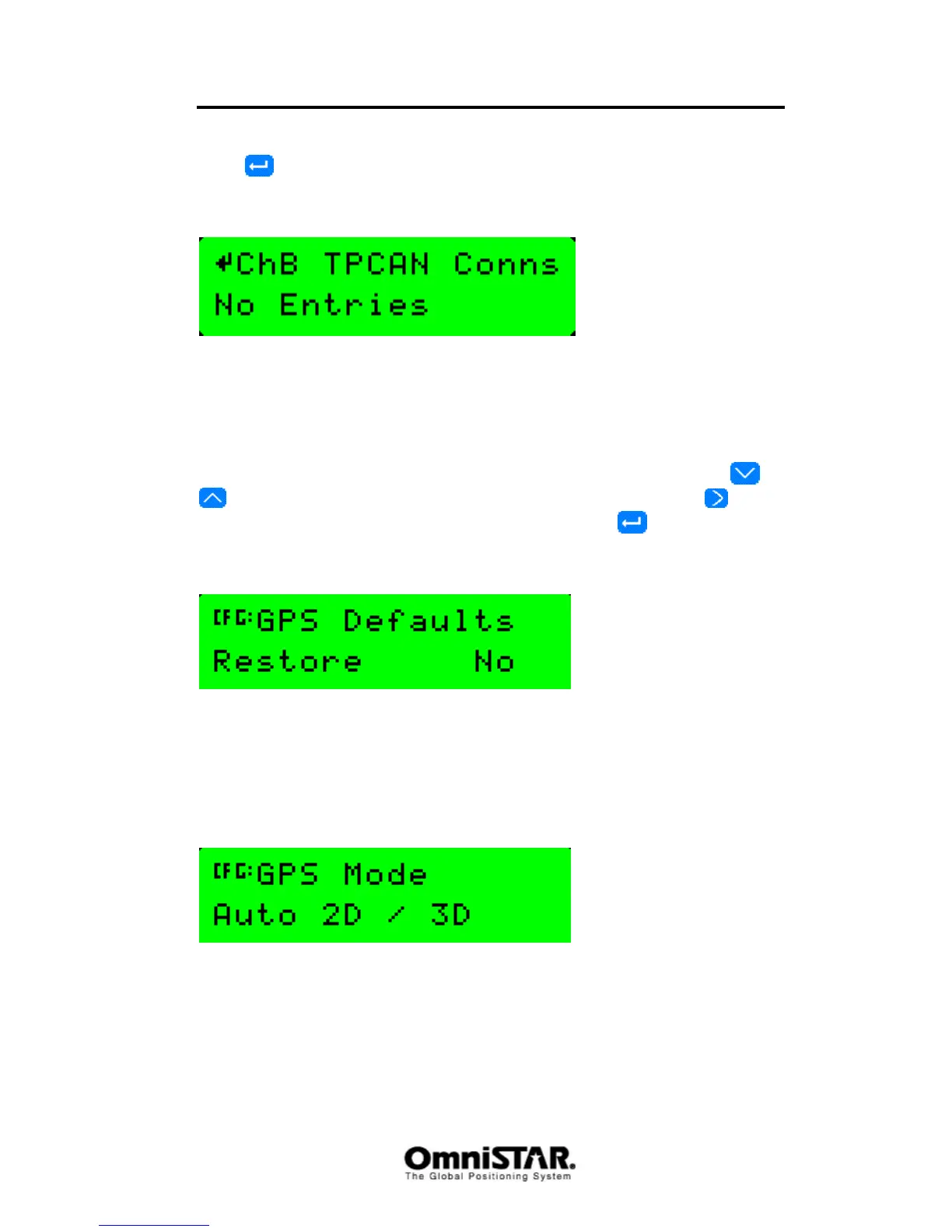
ChB TPCAN Conns
Figure 67: Channel B TPCAN Connections
As above, but for the second communication port.
Sub-menu: GPS Config
In the GPS Config menu, the following configuration items can be found. Items
are listed in order, cycling through items can be done by pressing the
or
buttons. Selecting the item to change is done by pressing the button
(repeatedly, if necessary). To confirm all changes, press
once.
Restore GPS Defaults
Figure 68: Restore GPS Defaults
Using the Restore GPS Defaults screen, the GPS configuration settings can
be restored to their default (factory-set) values. Possible options are ‘Yes’ and
‘No’.
GPS Mode
Figure 69: GPS Mode
The GPS mode screen is used to change the receiver’s positioning behaviour.
Default is Auto 2D/3D mode, in which the receiver switches to a 2D position
automatically when only 3 GPS satellites can be received and back to a 3D
position when four or more GPS satellites can be received.



 To Next Page