OmniSTAR 8200HP User Manual
Issue 1.07, 10/2008
27
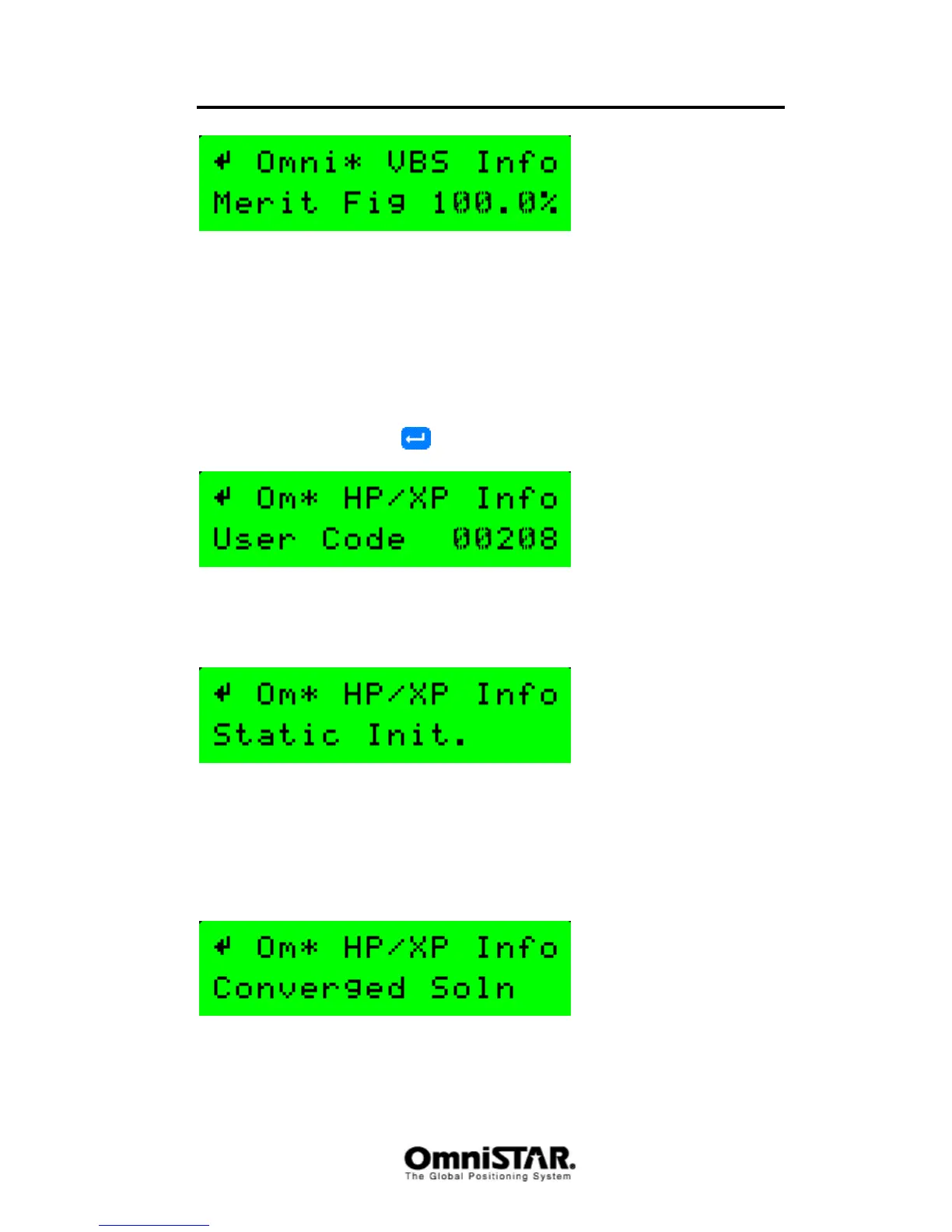
Figure 33: VBS Info screen: Figure of merit
The Figure of Merit is a quality indicator. It shows the ratio of packages
received with an invalid checksum and packages received with a valid
checksum over the last couple of measurements The closer to 100%, the
better.
XP/HP Info
The XP/HP info screen consists of 7 different information screens, that can be
cycled through by pressing
repeatedly.
Figure 34: HP/XP Info screen: User Code
The User Code screen shows the receiver’s User Code, which is equal to the
last five digits of the serial number of the receiver.
Figure 35: HP/XP Info screen: Initialisation
The initialisation screen shows whether or not the receiver is put in static
initialisation mode. When the receiver detects it is stationary, static
initialisation mode is selected to aid HP/XP convergence. In static initialisation
mode, convergence can be up to 50% faster than in dynamic (i.e. the receiver
is moving) initialisation mode.
Figure 36: HP/XP Info screen: Solution convergence



 To Next Page