OmniSTAR 8200HP User Manual
Issue 1.07, 10/2008
19
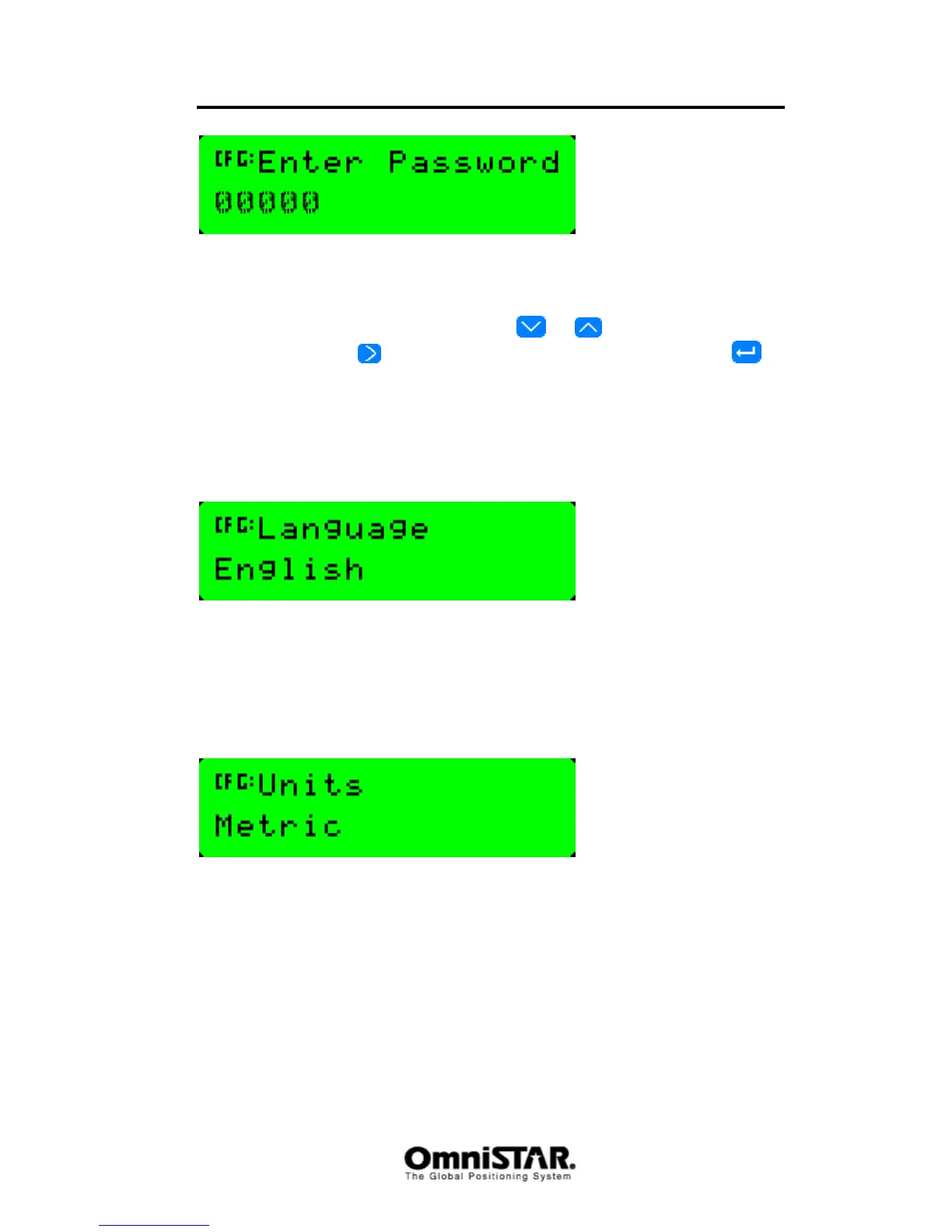
Figure 11: Lock Display - Enter Password screen
The cursor blinks on the first digit. Enter the receiver password, which is equal
to the last five digits of the serial number of your receiver. The value of the
active digit can be changed by pressing
or . The next digit can be
selected by pressing
. When all five digits have been entered, press to
save the changes. The Valid Password message should appear and the user
level screen is no longer displayed when navigating the menus.
If the message Invalid Password appears, enter the password again. To
unlock the user level screen, repeat the above procedure.
Language
Figure 12: Language screen
Using the Language screen, the receiver’s menu languages can be set.
Default setting is English. Other options are French, German, Spanish,
Portugese and Argentine Spanish.
Units
Figure 13: Units screen
Using the Units screen, the units used by the receiver to present position
accuracy and speed can be set. Default is U.S. (feet/inches/mph). Other
options are metric (meters/centimeters/kph) and Nautical (feet/inches/kts).
SNR Units



 To Next Page