OmniSTAR 8200HP User Manual
Issue 1.07, 10/2008
21
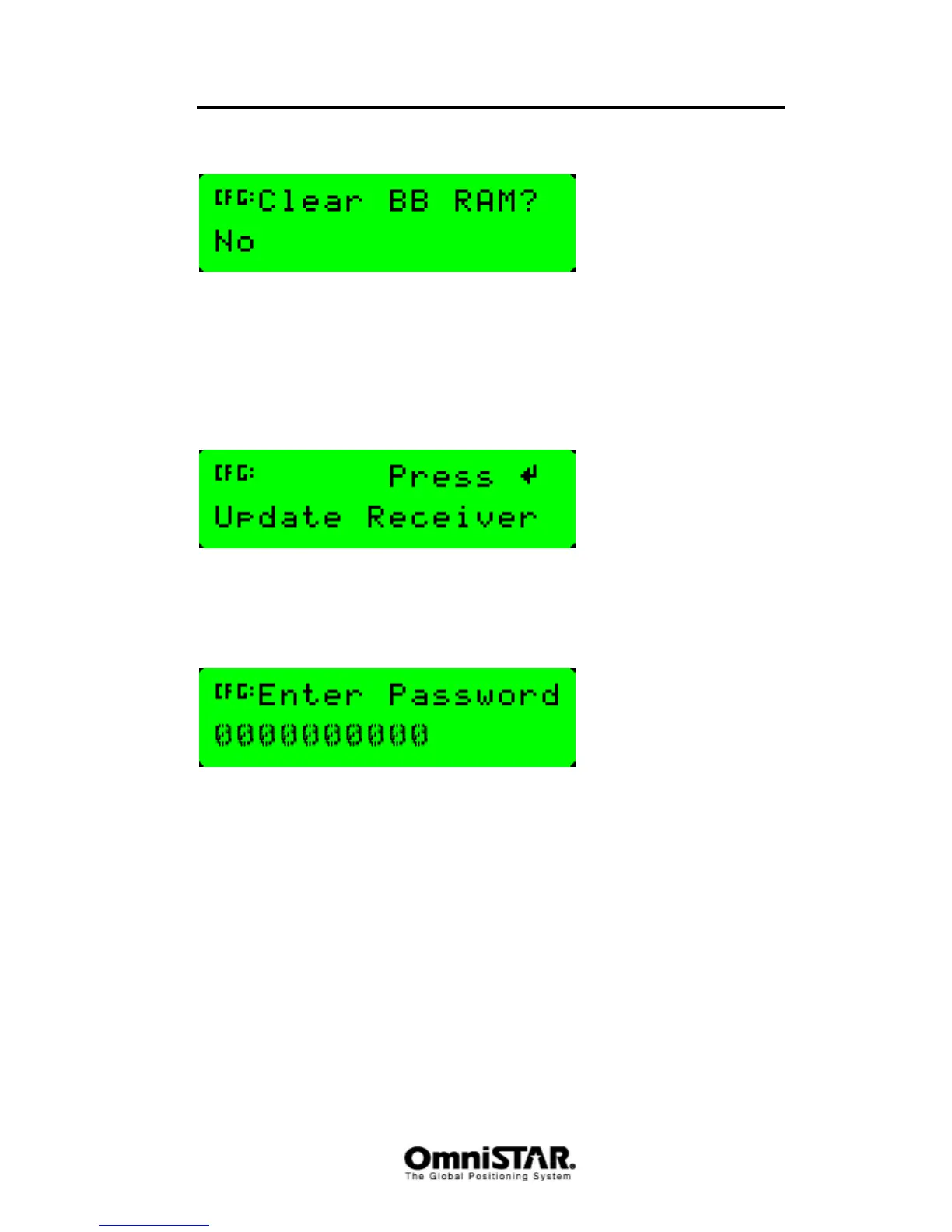
Clear BB RAM
Figure 15: Clear BB RAM screen
The Clear Battery-backed RAM screen is used to remove all configuration
settings in the receiver memory (RAM) and return the receiver to its factory
default configuration settings. Existing OmniSTAR subscriptions are not
erased from the receiver’s memory.
Update Receiver
Figure 16: Update Receiver screen
It is possible to purchase options with the 8200HP receiver. To unlock these
options, a password is required, which can be provided by your OmniSTAR
reseller. Using the Update Receiver screen, the password can be entered.
Figure 17: Update Receiver - Enter Password screen
Once entered, the password is stored in permanent memory and remains even
when the receiver is switched off.



 To Next Page