OmniSTAR 8200HP User Manual
Issue 1.07, 10/2008
36
Sub-menu: CAN Status
In the CAN Status menu, the following information items can be found. Items
are listed in order, cycling through items can be done by pressing the
or
buttons.
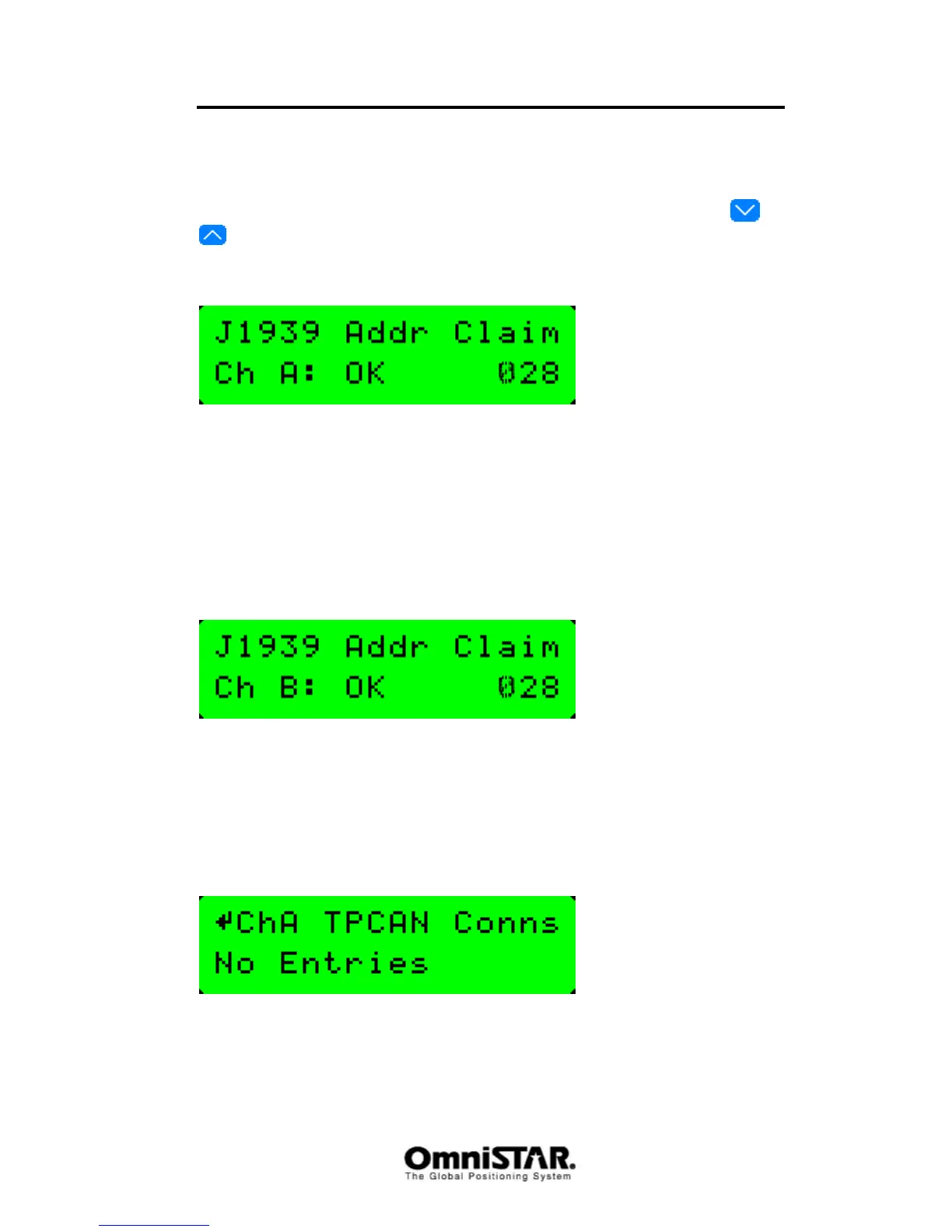
J1939 Addr. Claim Ch A
Figure 64: J1939 Address Claim Channel A
As the CAN bus protocol allows a number of devices to communicate with
each other over the same two-wire data bus, there needs to be a way to
address the messages in order to let them reach their destination. Therefore,
all devices connected to the CAN bus get a unique address. The Addr. Claim
screen shows whether the receiver was successful in obtaining a CAN bus
address.
J1939 Addr. Claim Ch B
Figure 65: J1939 Address Claim Channel B
As above, but for the second communication port. Since it is possible to
connect both channels of the receiver to one CAN bus or each channel to a
different CAN bus, the channel B address may be different from the channel A
address.
ChA TPCAN Conns
Figure 66: Channel A TPCAN Connections
The TPCAN connections screen shows a list of other devices connected to the
same CAN bus as the 8200HP on channel A. To cycle through the different



 To Next Page