OmniSTAR 8200HP User Manual
Issue 1.07, 10/2008
24
Sat Tracking
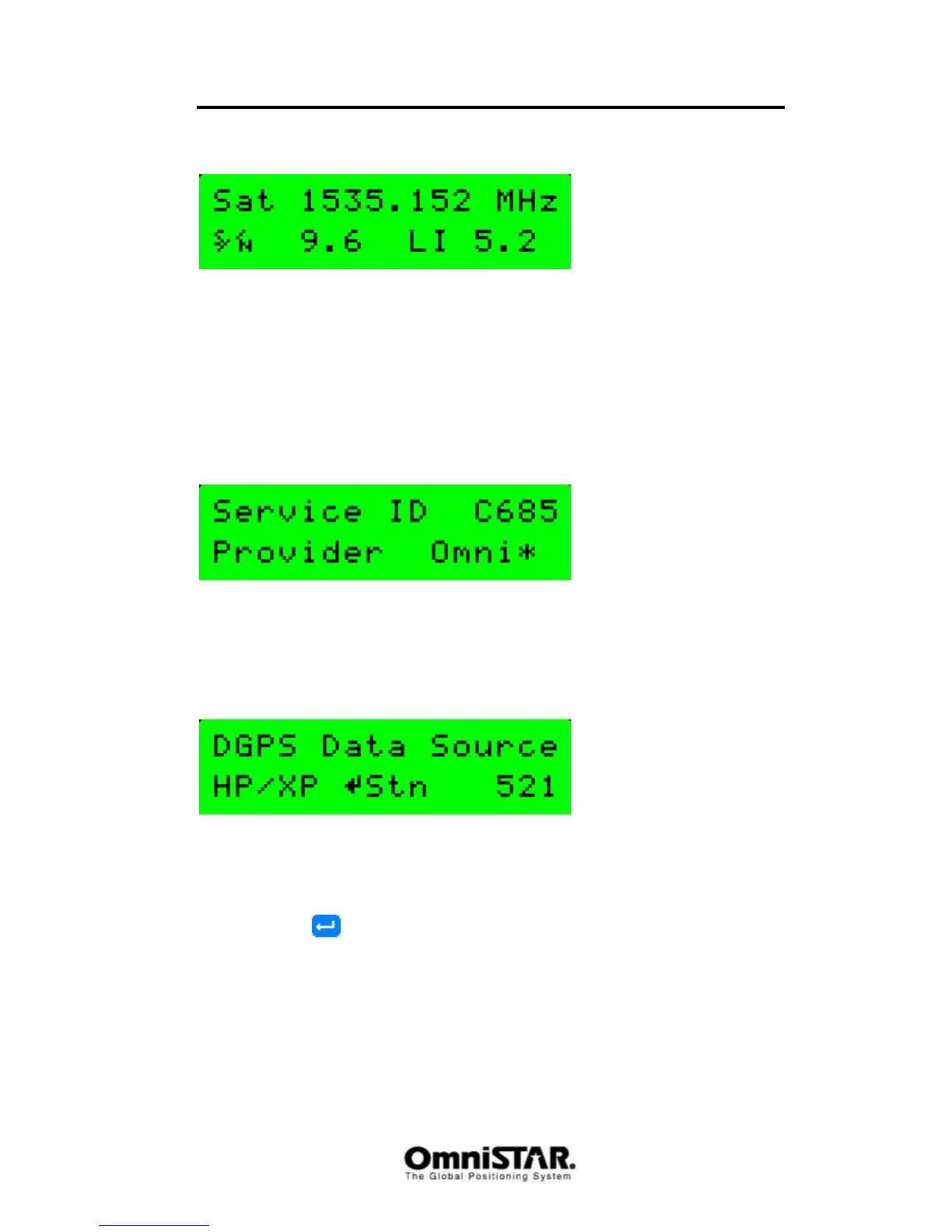
Figure 23: DGPS Sat Tracking screen
The Sat Tracking screen shows information about the satellite used for DGPS
corrections (HP or VBS). The screen shows the frequency of the selected
satellite (the example in Figure 23 shows the frequency of EASAT), the signal
to noise ratio and the lock indicator. The lock indicator can be used to
determine if the receiver has a good signal lock to the satellite. A higher LI
value is normally better.
Service ID
Figure 24: Service ID screen
The service ID screen shows information (satellite uplink identifier and provider
name) about the DGPS service provider.
DGPS data source
Figure 25: DGPS Data Source screen
The DGPS Data Source screen shows the identification numbers of the
OmniSTAR reference stations used to calculate the differential corrections for
the 8200HP at its current location. To scroll through the list of reference
stations, press
repeatedly. Station ID 9999 indicates use of XP.
Age of DGPS/Sync



 To Next Page