OmniSTAR 8200HP User Manual
Issue 1.07, 10/2008
39
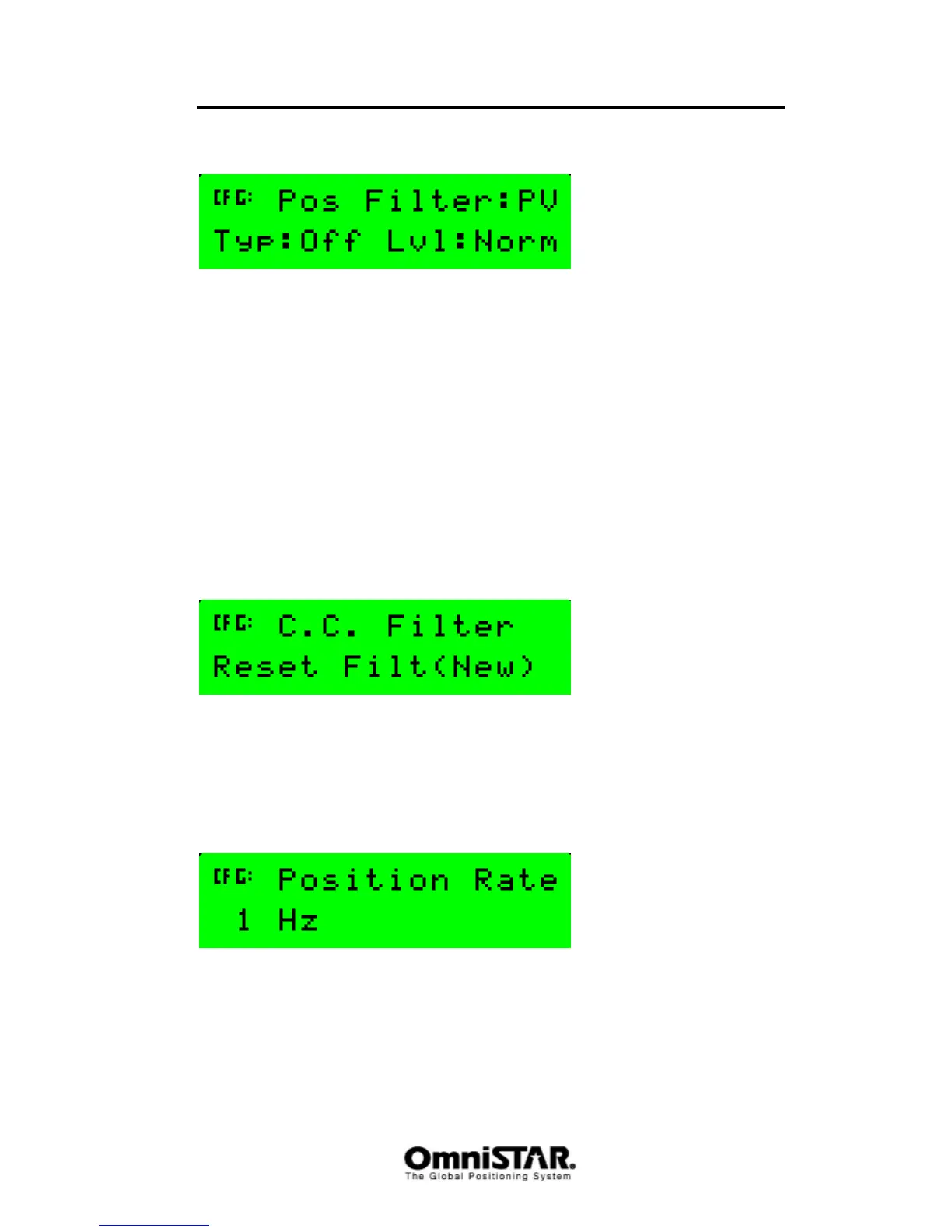
PV Filter
Figure 72: Position Filter
A position filter is an aid in smoothing the position output. Using a filter,
position glitches are smoothed by either checking the measured position
against a predicted position based on previous positions and velocities or by
applying a band pass filter, effectively limiting how much a position is allowed
to change between two subsequent position calculations. The smoothing effect
of the filter depends on the kind of filter and the amount of filtering (‘strength’
of the filter). Possible filter values are PV (Position/Velocity) and BF (band
pass filter). Using band pass filtering, the only filter options are ‘disable’ and
‘enable’ (use filtering or not). Using PV filtering, the filter options are Off (no
filtering), Dyn (dynamic filtering) and D+S (dynamic+static filtering). The filter
levels are Norm, High and Max.
By default, the position filter is set to PV, normal level and no filtering.
CC Filter
Figure 73: Carrier Code Filter
The 8200HP can use the GPS carrier information to remove noise from the
code information, thus improving system performance. Options for the C.C.
filter are ‘Reset Filt(New)’ and ‘Propagate (Old)’.
Position Rate
Figure 74: Position Rate
In the Position Rate configuration screen, the position calculation rate can be
set. Options are 1, 5 and 10 Hz. Setting the rate to 5 or 10 Hz does not
automatically change the position output rate to 5 or 10 Hz. To get a 5 or
10 Hz position output, the corresponding communication port also has to be



 To Next Page