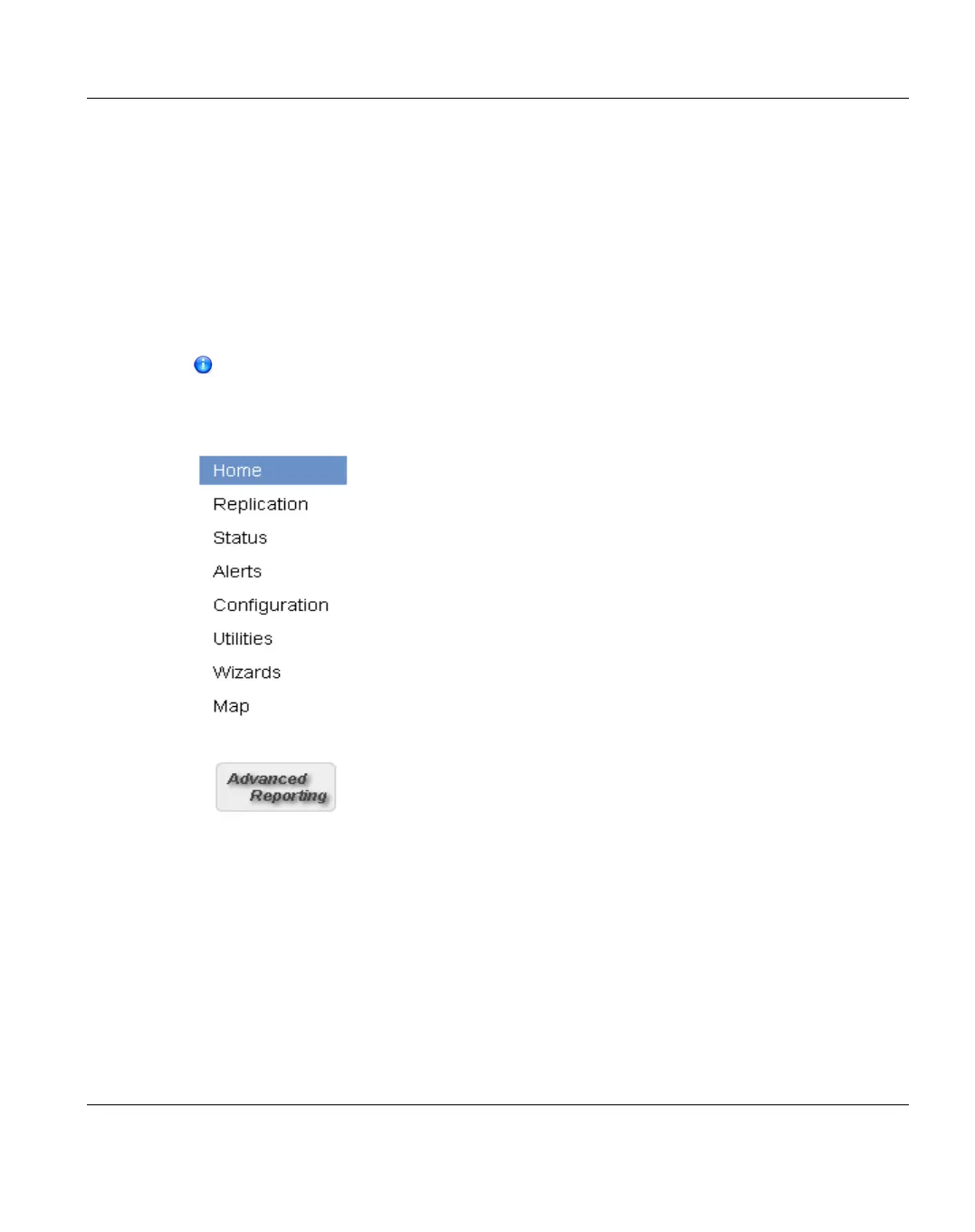
Main Menu
The main menu displays on the left side of the ETERNUS CS800 remote management
console (see "Main Menu" on page 141). Click a menu item to display the corresponding
management page.
To access Advanced Reporting, click the link below the main menu. Fujitsu Technology
Solutions ETERNUS CS800 Advanced Reporting provides performance data logging and
visual reporting and graphing features for Fujitsu Technology Solutions ETERNUS CS800-
Series systems. For more information, see the ETERNUS CS800 Advanced Reporting
User’s Guide (6-67353).
Clicking Wizards on the main menu replaces the main menu with the wizards
menu. Click a menu item to begin a wizard, or click Exit to return to the main menu
(see "Configuration Wizards" on page 145).
Figure 96: Main Menu
Management Pages
Use the ETERNUS CS800 management pages to view information as well as configure and
manage the system. To navigate to a page, first click a menu item, then click a tab to display
the corresponding page. Some pages include sub-tabs that display pages with additional
information and options.
ETERNUS CS800 141
7 Remote Management













 To Next Page