104 iRMC S2/S3
Menus of the AVR window
Disconnect Session...
Terminate another AVR session.
I It is only possible to terminate other AVR sessions with
Disconnect Session. To terminate your own session, choose Exit.
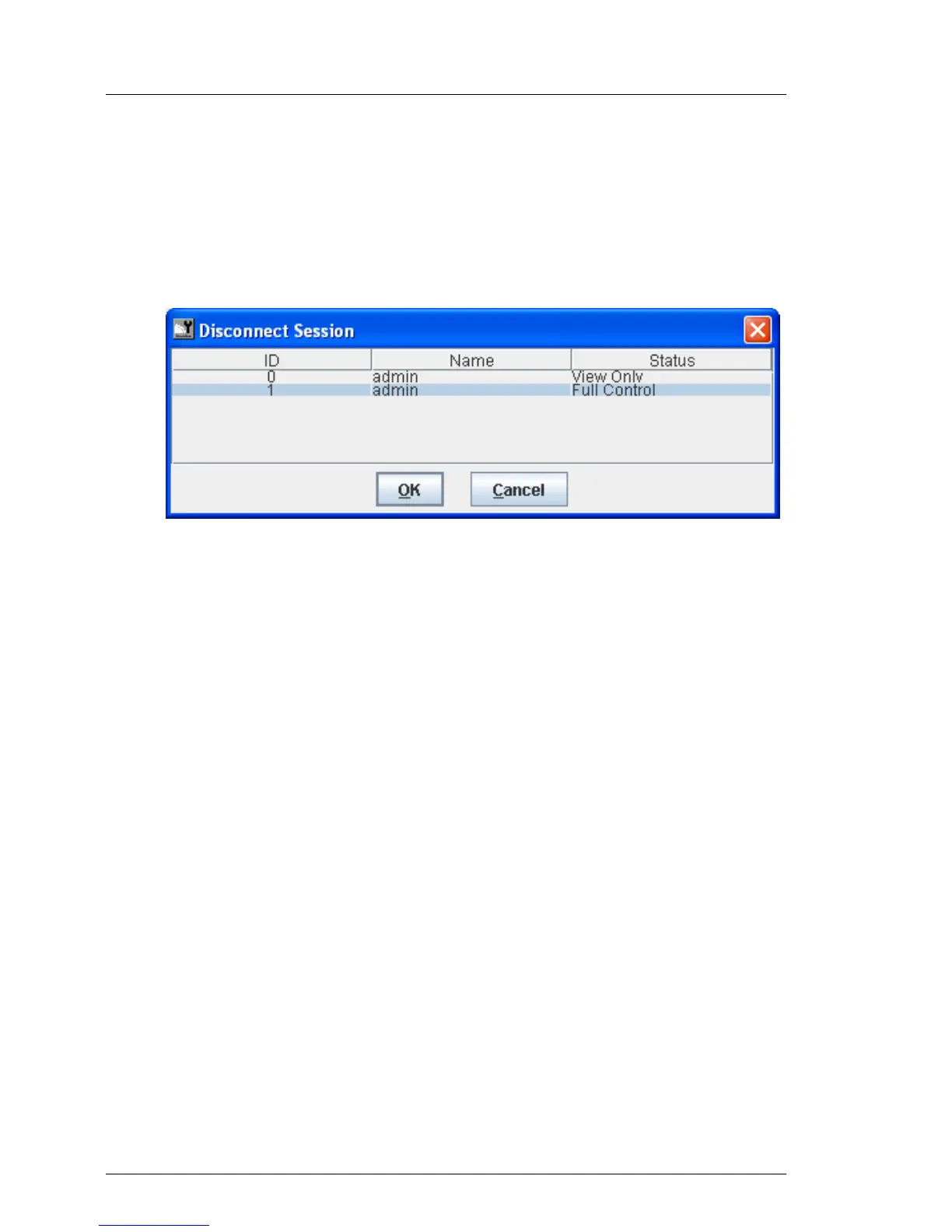
A list of current AVR sessions appears:
Figure 37: Extras menu - Disconnect Session
Ê Select the AVR session that you wish to terminate.
Ê Click OK to confirm that you want to terminate the selected AVR
session.
Ê Click Cancel if you do not want to terminate the selected AVR session.
Relinquish Full Control...
Switch to view-only mode. (This function is disabled if you are already in
view-only mode.)
Exit
Terminate your own AVR session.



 To Next Page