iRMC S2/S3 77
Local user management for the iRMC S2/S3
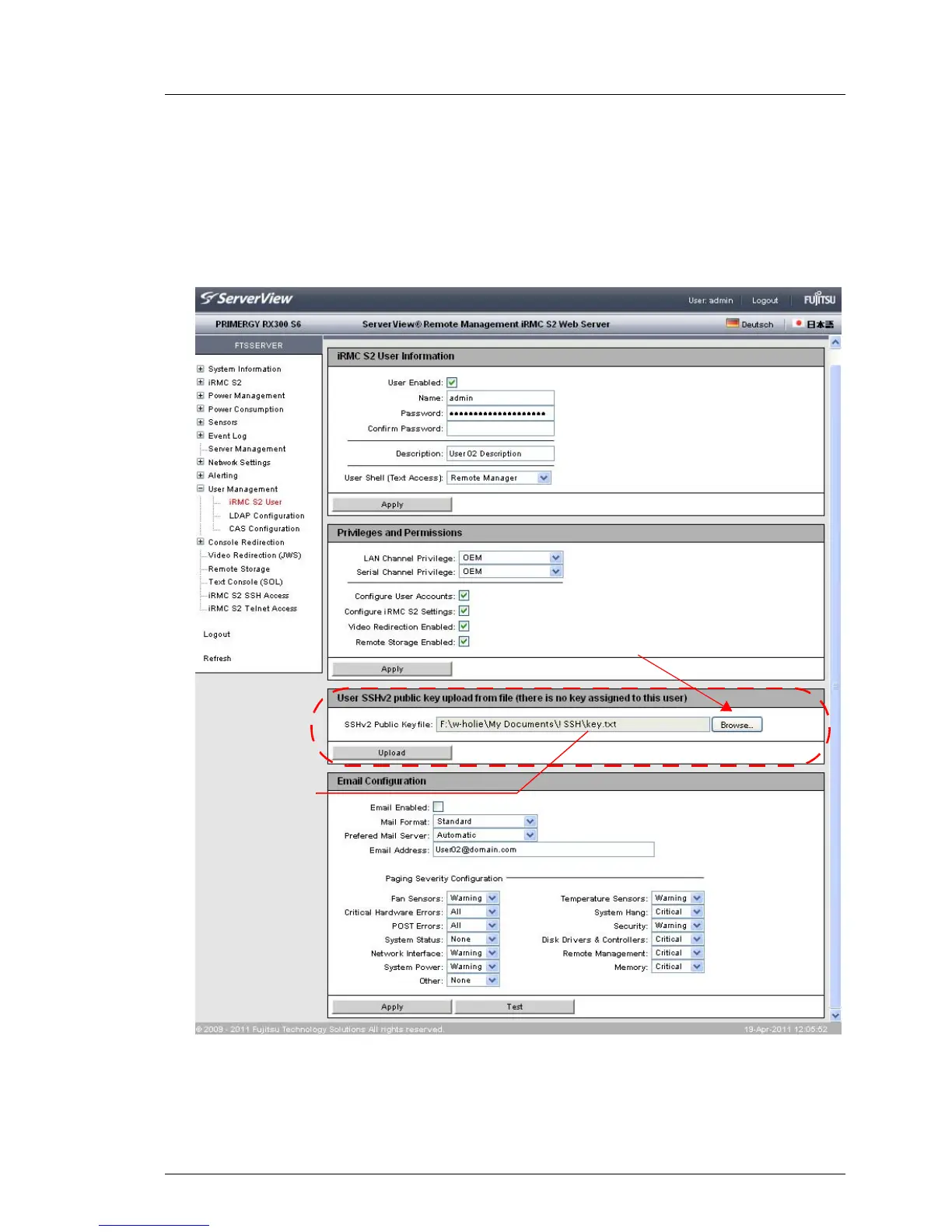
4.3.3.2 Loading the public SSHv2 key onto the iRMC S2/S3 from a file
Proceed as follows:
Ê Under the iRMC S2/S3 web interface, open the detailed view for the required
browser (in this case user3) iRMC S2/S3 User Management page:
Bild 23: iRMC S2/S3 web interface: Loading the public SSHv2 key onto the iRMC S2/S3
Ê Click Browse in the group User SSHv2 public key upload from file (1) and
navigate to the file containing the required public key (2).
(1)
(2)



 To Next Page