78 iRMC S2/S3
Local user management for the iRMC S2/S3
Ê Click Upload to load the public key onto the iRMC S2/S3.
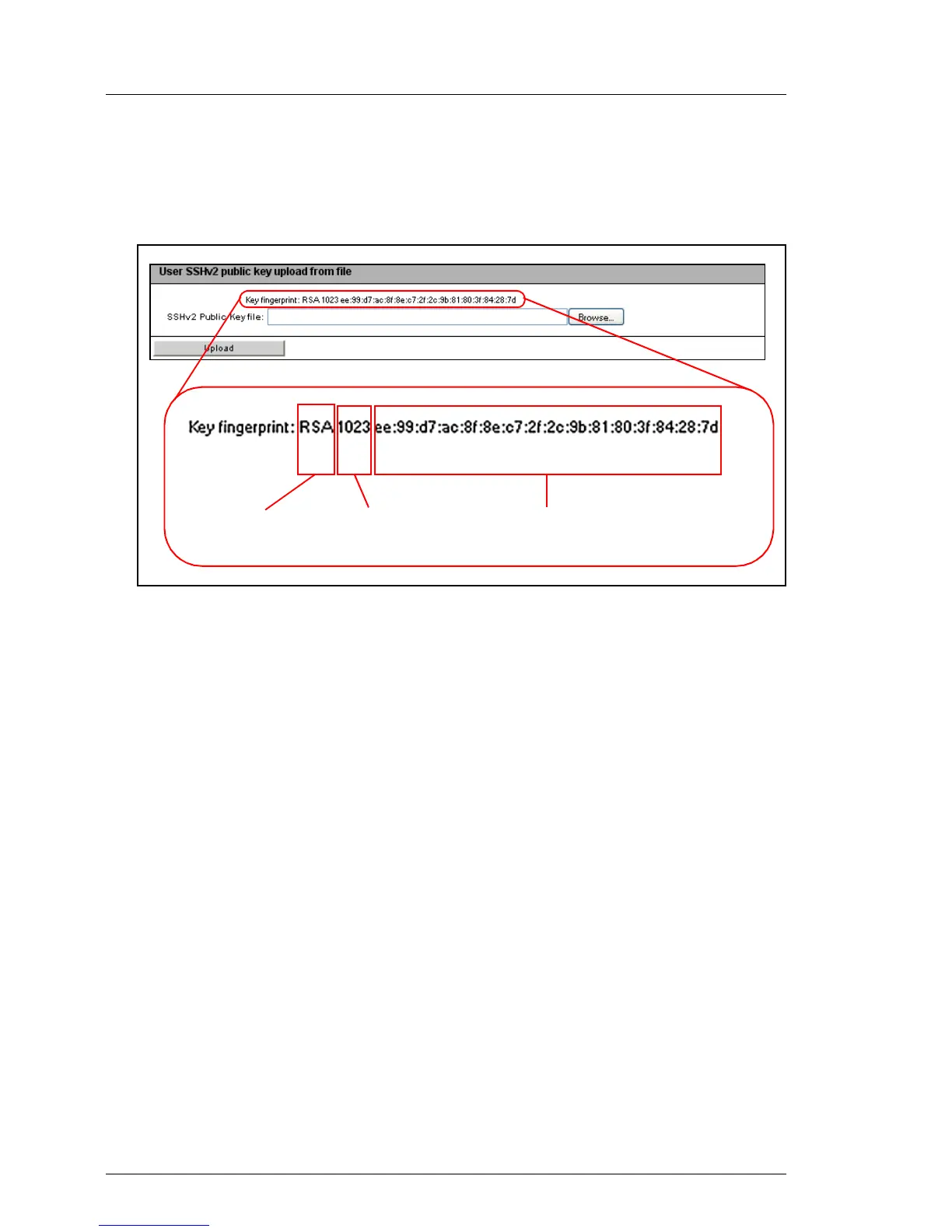
After the key has been successfully uploaded, the iRMC S2/S3 displays the
key fingerprint in the group User SSHv2 public key upload from file:
Bild 24: Display of the key fingerprint
I For reasons of security, make sure that the fingerprint shown here
matches that shown in PuTTYgen (see figure 22 on page 74) under
Key fingerprint.
Key lengthKey type MD5 fingerprint of the saved key



 To Next Page