328 iRMC S2/S3
Main menu of the Remote Manager
8.5 Main menu of the Remote Manager
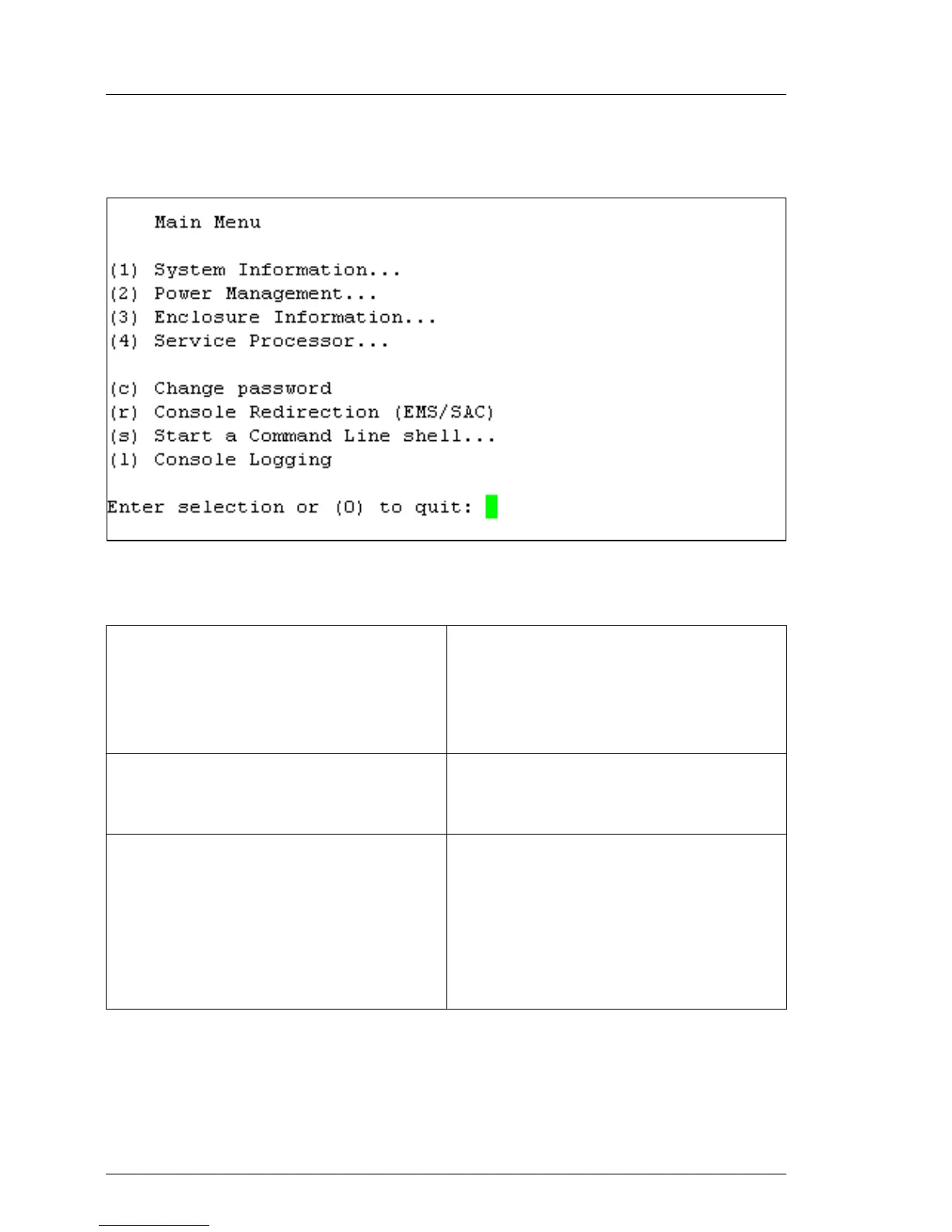
Figure 202: Remote Manager: Main menu
The main menu of the Remote Manager provides the following functions:
System Information... View information on the managed
server and set the Asset Tag
(see section "System Information -
Information on the managed server"
on page 332).
Power Management... Power the server up or down.
(see section "Power Management" on
page 334).
Enclosure Information... Request information on the current
system status, e.g. check error and
event messages from the error log
and event log (temperature, fan, etc.)
(see section "Enclosure Information -
System event log and status of the
sensors" on page 335).
Table 8: Main menu of the Remote Manager



 To Next Page