iRMC S2/S3 341
Console Logging
8.14 Console Logging - Redirect message
output to the text console (serial)
The Console Logging item in the main menu allows you to redirect message
output (logging) to the text console (serial interface).
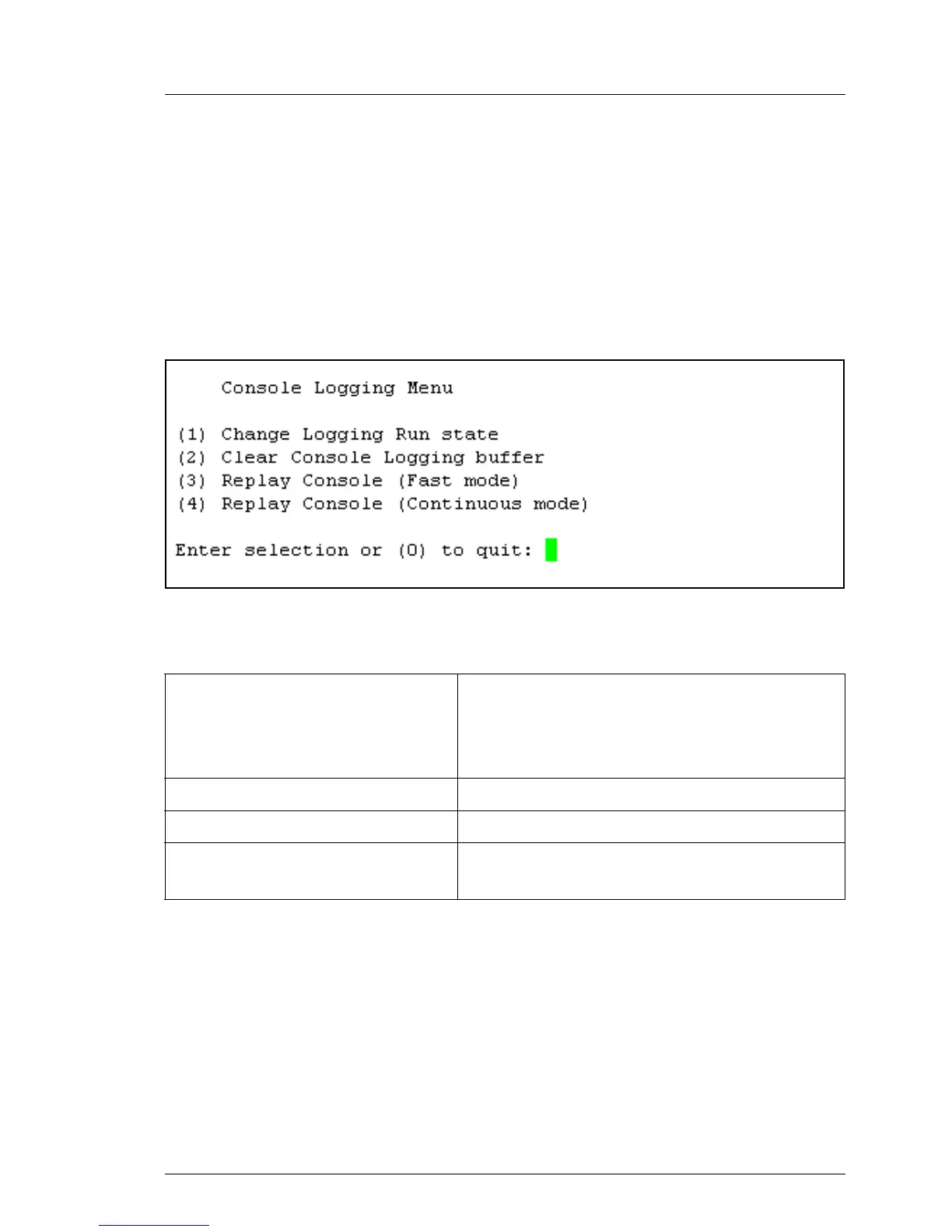
When you select (l) Console Logging from the main menu, the following window
appears:
Figure 210: Remote Manager: Console Logging menu
The submenu contains the following functions:
Change Logging Run state Show and change the logging run state.
For a more detailed description, see
"Console Logging Run State Menu" on
page 342
Clear Console Logging buffer Clear the console logging buffer.
Replay Console (Fast mode) Show the console log (in fast mode)
Replay Console (Continuous mode) Show the console log
(in continuous mode)
Table 16: Console Logging menu



 To Next Page