126 iRMC S2/S3
Providing remote storage at the remote workstation
6.1.5 Removing the storage medium
Remove a storage medium from the list of media available for Remote Storage
as follows:
Ê Open the Storage Devices dialog (see section "Starting Remote Storage" on
page 114).
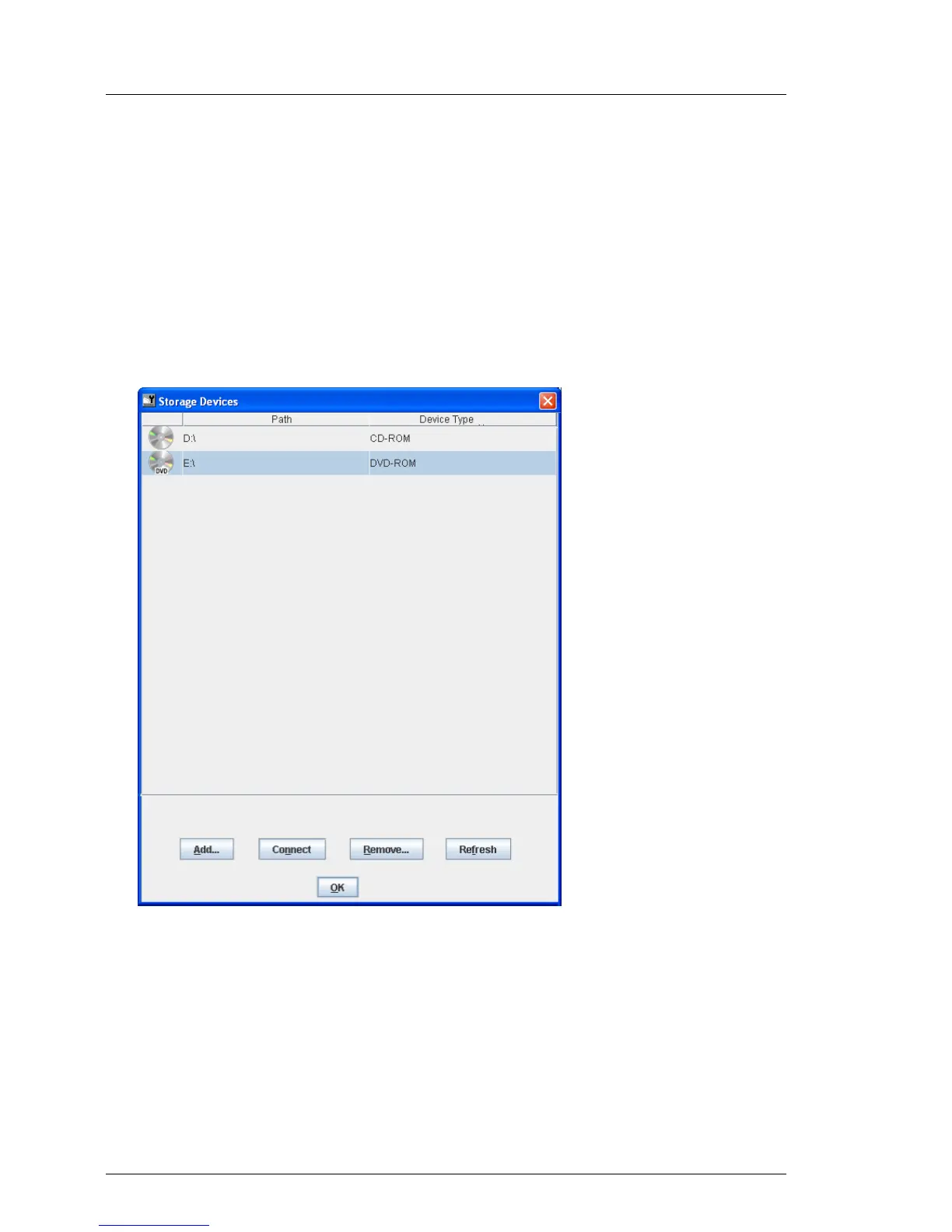
The list of storage media available for Remote Storage is displayed (using
Windows in the example):
Figure 59: Storage Devices dialog: Removing a Remote Storage medium
Ê Select the storage medium you want to remove.
Ê Click Remove... to remove the storage medium.



 To Next Page