108 iRMC S2/S3
Menus of the AVR window
5.3.5 Preferences menu
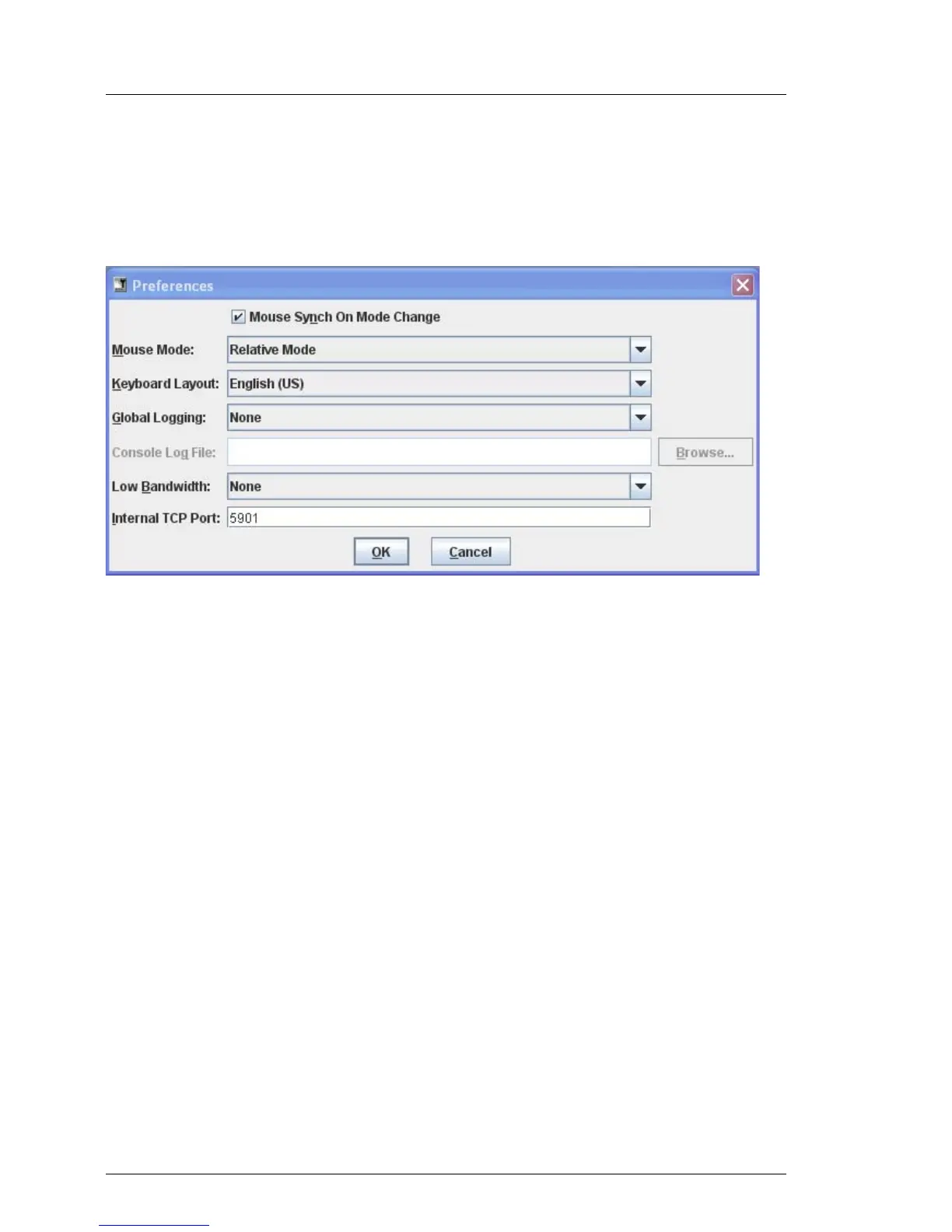
The Preferences menu allows you to configure the mouse mode, keyboard layout,
global logging, low bandwidth, and the internal TCP port:
Figure 41: AVR window - Preferences menu
I If Video Redirection is executed in the Num Lock On mode on the server
side, the client side also turns to Num Lock ON.
Mouse Synch On Mode Change
Default: Enabled.
Specifies whether or not mouse pointer synchronization should be kept
up after changing the Mouse Mode (see below).
Mouse Mode
Specifies the mouse mode (Hide Mode (Relative), Absolute Mode or
Relative Mode).
Depending on the server operating system, you must make the following
settings:
– Windows: Absolute Mode, Hide Mode (Relative) or Relative Mode
– Linux: Hide Mode (Relative) or Relative Mode
I Default setting: Absolute Mode



 To Next Page