iRMC S2/S3 105
Menus of the AVR window
5.3.2 Remote Storage menu
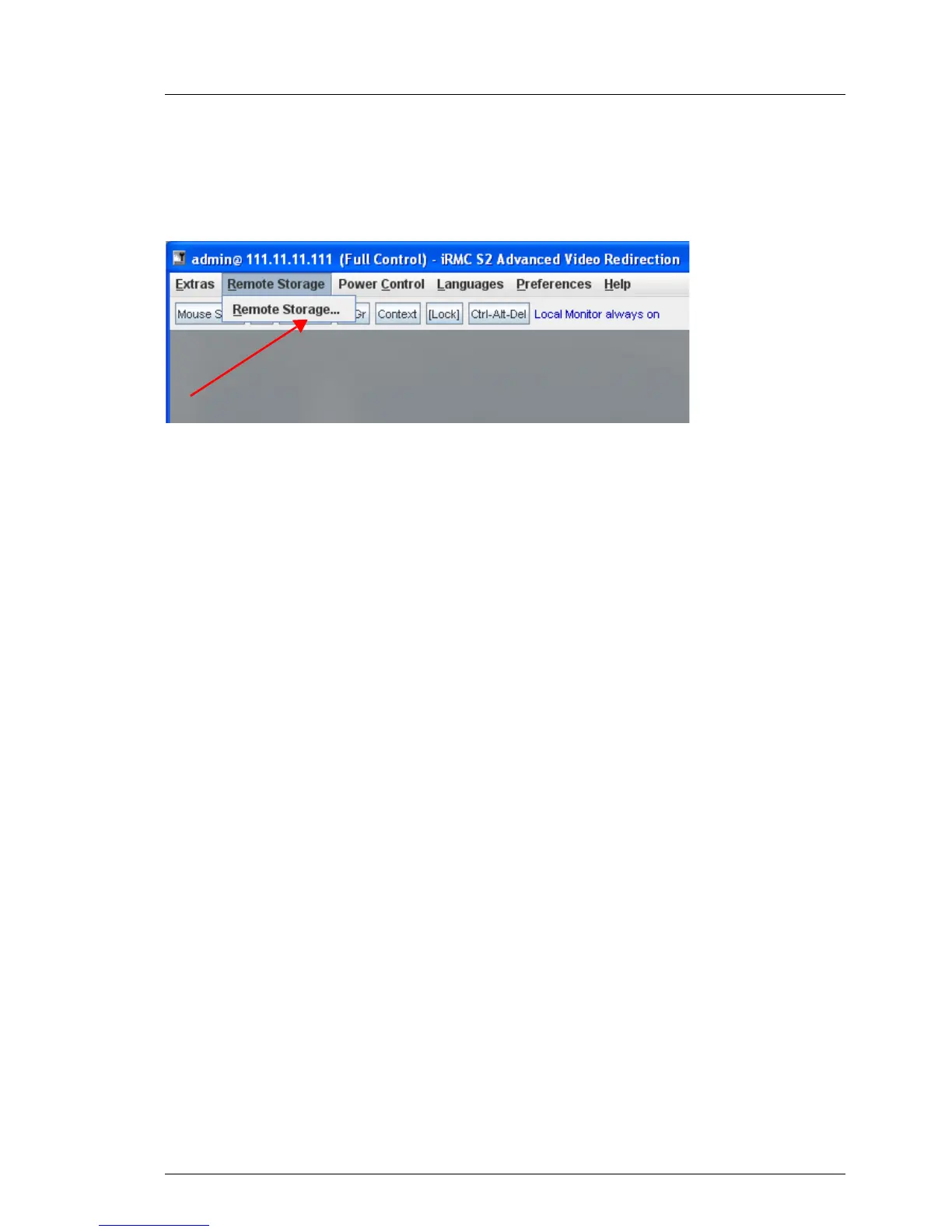
You call the remote storage functionality under Remote Storage:
Figure 38: AVR window - Remote Storage menu
Remote Storage...
Click Remote Storage... to open the Storage Devices window (see
page 115). This window allows you to attach or detach media on the
remote workstation as Remote Storage devices (see chapter "Remote
Storage" on page 111).



 To Next Page