iRMC S2/S3 157
BIOS - Backing up/restore BIOS settings, flashing BIOS
Request BIOS Parameter Backup
Initiates a backup of single BIOS parameter settings in ServerView®
WinSCU XML format. The backup (with the name specified in the
Backup Filename field) is stored locally on the iRMC S2/S3.
Once the backup process has started, the current process status is
displayed under Backup Status.
I Notes on the backup process:
– During the backup process, all buttons and input fields are
disabled.
– If powered off, the managed server will be automatically
powered on.
– If the server is powered on, a reboot is required. Otherwise, the
backup process will remain in state "Boot Pending".
– The managed server is powered off after the backup has
completed.
Save Backup to File
Opens a browser dialog allowing you to save the iRMC S2/S3-local copy
of the BIOS backup data to a file (<name -of-your-choice>.pre).
This button is only displayed when a backup of single BIOS parameters
in ServerView® WinSCU XML format is available in the local store of the
iRMC S2/S3.
7.5.1.2 Restoring single BIOS parameters in ServerView® WinSCU XML
format
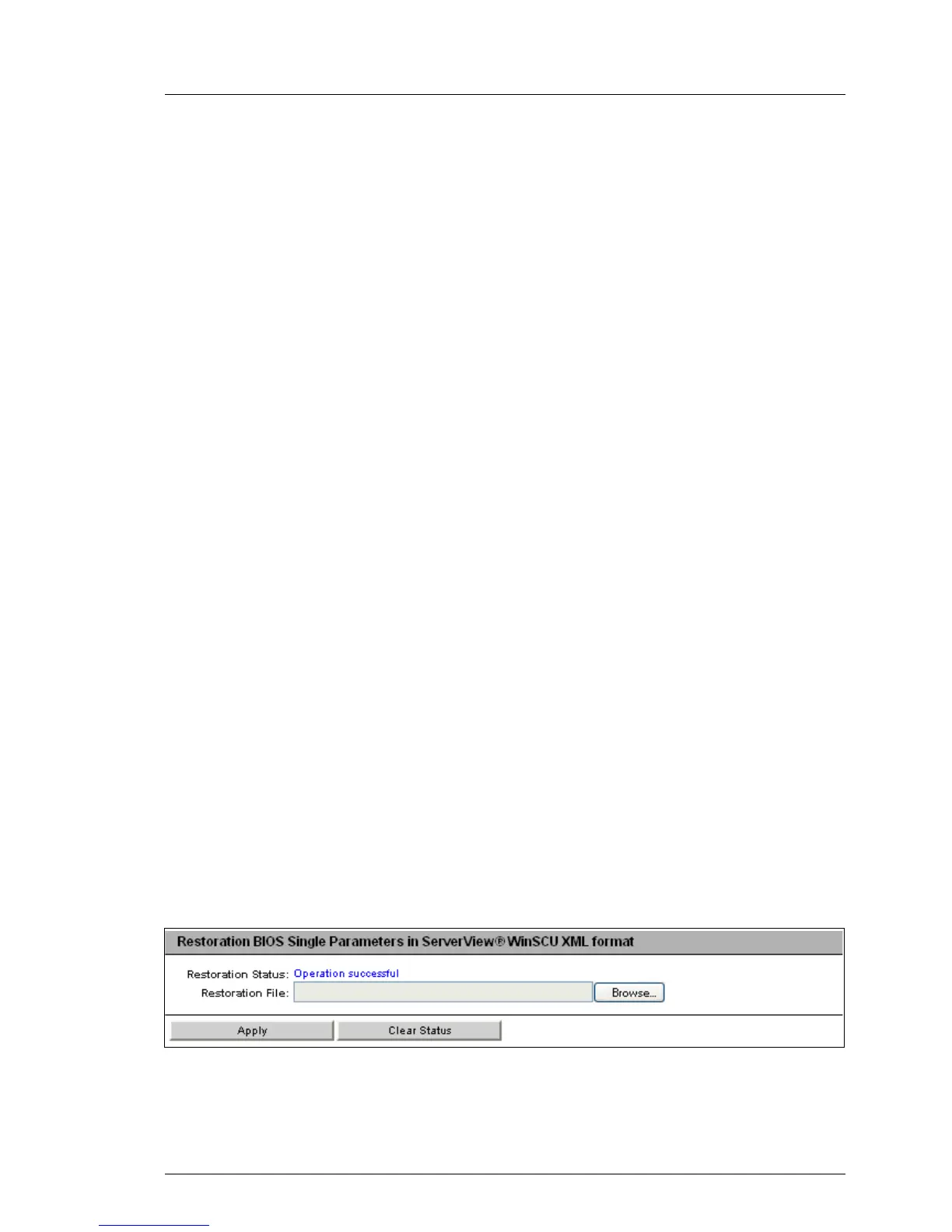
The Restoration BIOS Single Parameters in ServerView® WinSCU XML format group
allows you to restore single BIOS parameter settings from a restoration file in
ServerView® WinSCU XML format.
Figure 76: Restoration BIOS Single Parameters in ServerView® WinSCU XML format



 To Next Page