iRMC S2/S3 273
User Management
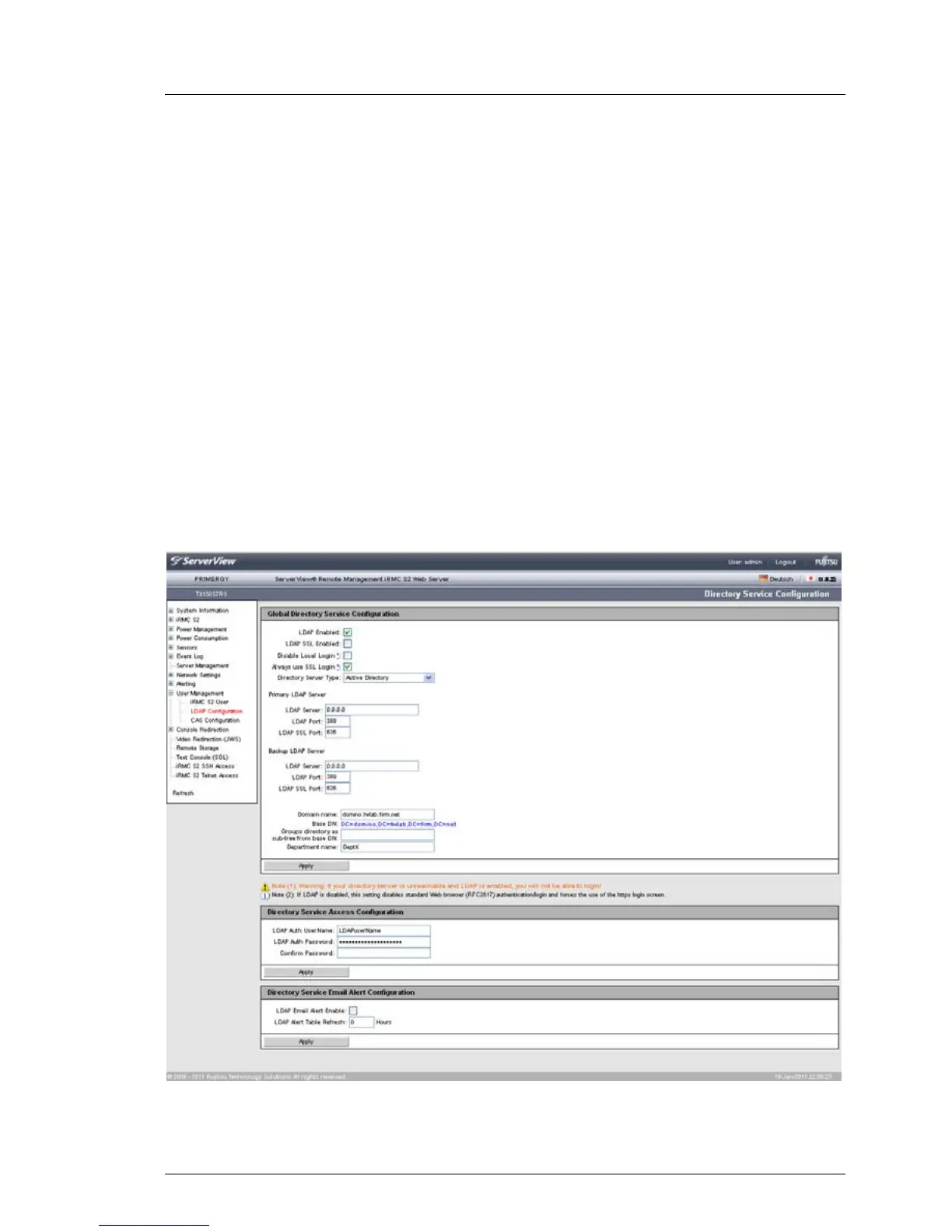
7.14.2 Directory Service Configuration (LDAP) -
Configuring the directory service at the
iRMC S2/S3
In order to perform global user management via a directory service (see the
"User Management in ServerView" manual), you must configure the
iRMC S2/S3 appropriately in the Directory Service Configuration page.
I Currently, support for iRMC S2/S3 LDAP access is provided for the
following directory services: Microsoft Active Directory, Novell eDirectory
and Open LDAP.
I The following characters are reserved as metacharacters for search
strings in LDAP: *, \ , &, |, !, =, <, >, ~, :
You must therefore not use these characters as components of Relative
Distinguished Names (RDN).
Figure 157: Directory Service Configuration page (LDAP configuration)



 To Next Page