iRMC S2/S3 323
Operating Remote Manager
8.2 Operating Remote Manager
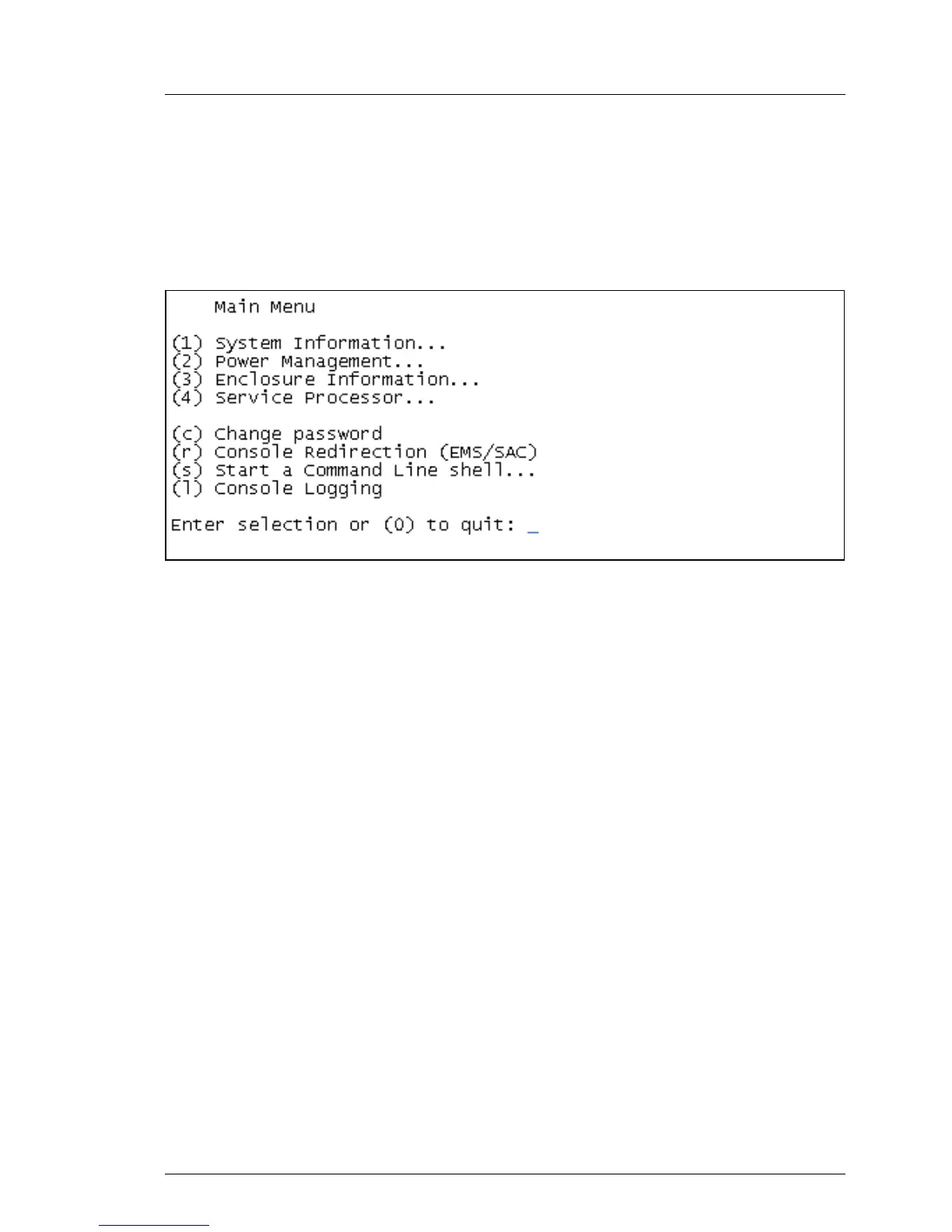
Operation of Remote view is described on the basis of the example in
figure 199, which shows an excerpt from the main menu of the Remote
Manager.
Figure 199: Operating the Remote Manager
Ê Select the required menu item by entering the number or letter which
precedes the menu item, e.g. “c” for “Change password”.
Functions that the user is not permitted to use are indicated by a dash (-)
and functions that are not available are indicated by an asterisk (*).
Ê Press [0] or the key combination [Ctrl] [D] to close the Remote Manager. An
appropriate event will be written to the event log.



 To Next Page