iRMC S2/S3 117
Providing remote storage at the remote workstation
6.1.2 Provision of storage media for emote Storage
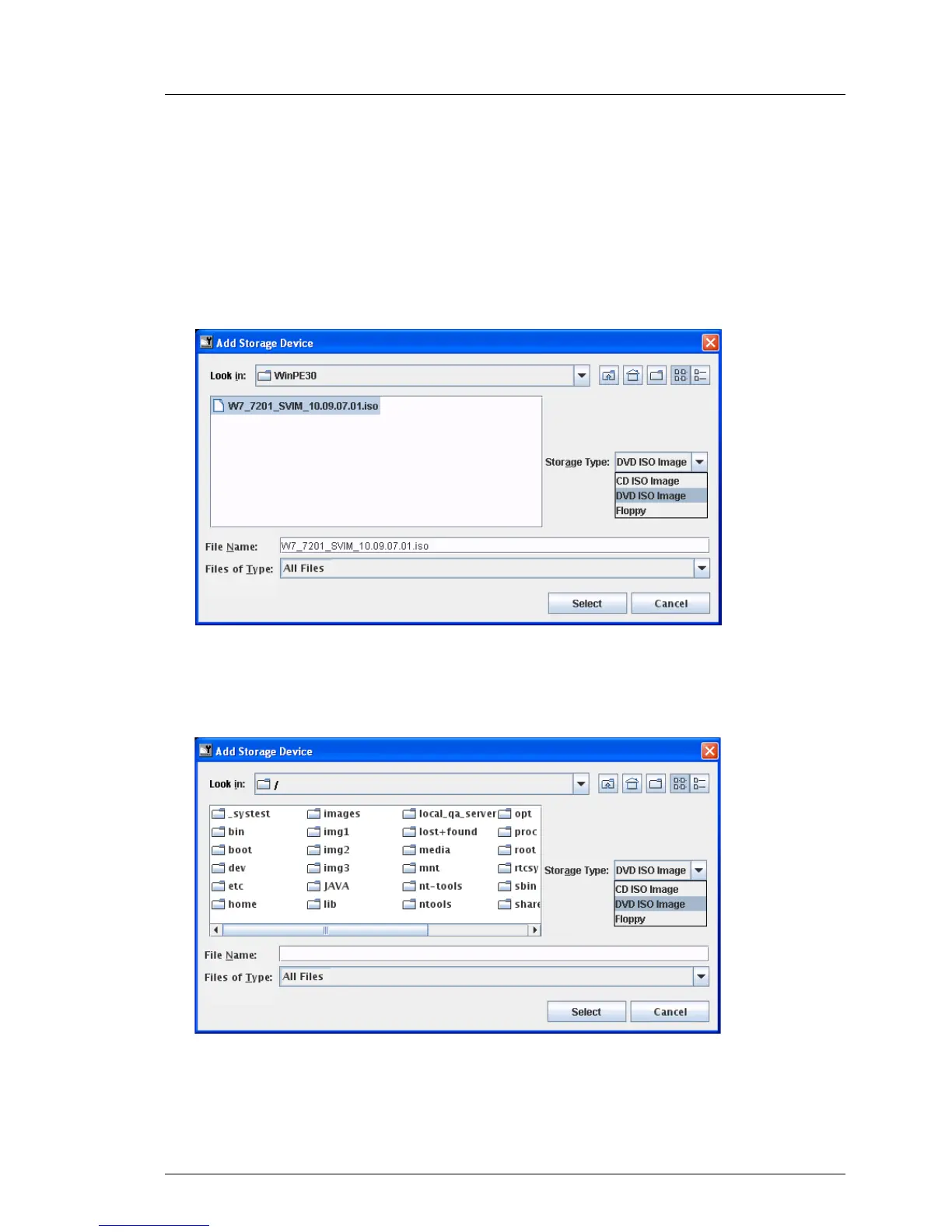
Ê In the Storage Devices dialog box, click Add... .
The Add Storage Device dialog box opens.
“Add Storage Device” dialog box on a Windows system
Figure 47: Add Storage Device dialog box (Windows)
“Add Storage Device” dialog box on a Linux system
Figure 48: Add Storage Device dialog box (Linux)



 To Next Page