118 iRMC S2/S3
Providing remote storage at the remote workstation
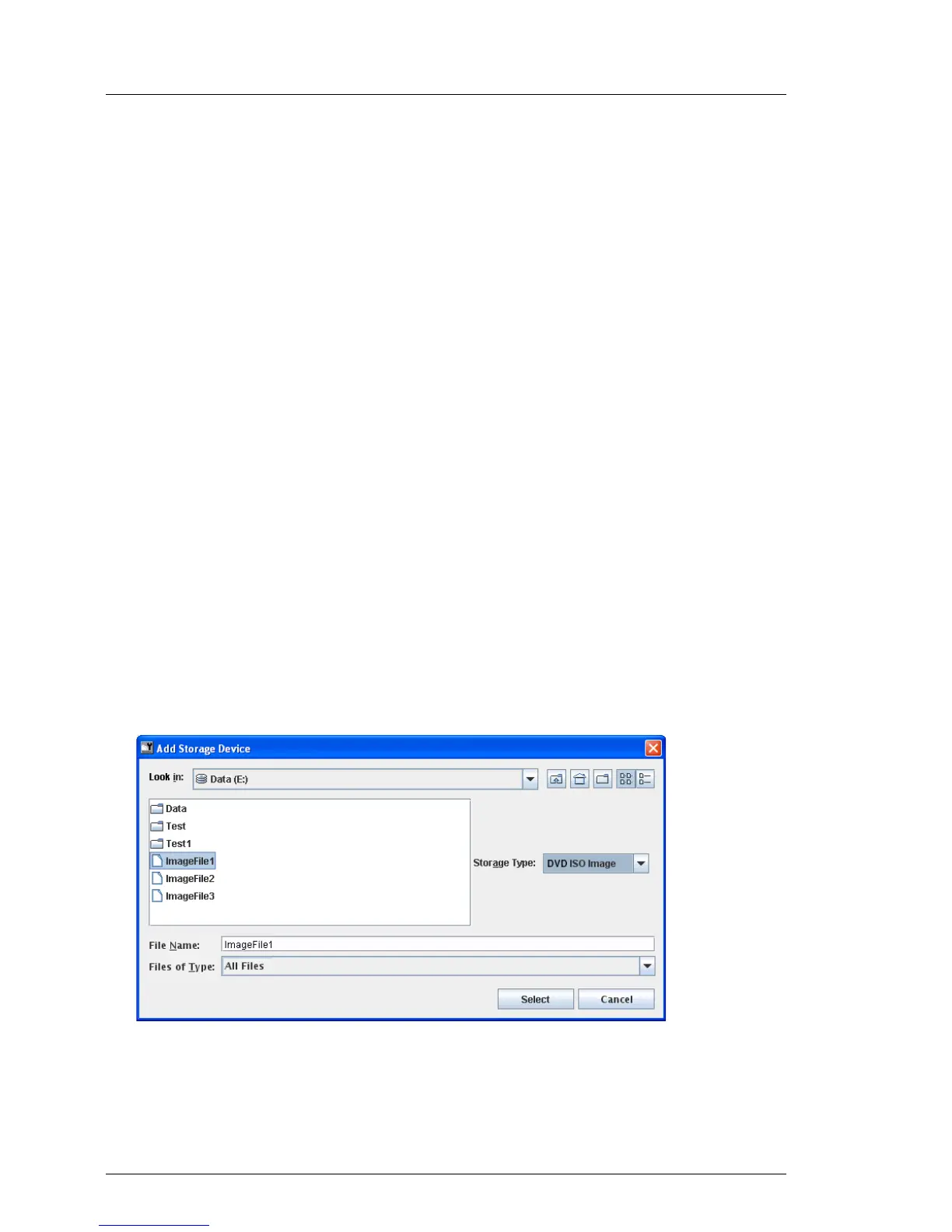
Ê In the Add Storage Device dialog box, navigate to the directory of the remote
storage medium that you want to make available for remote storage from
your remote workstation.
Ê Select the required device type under Storage Type.
The following storage types can be selected:
– Floppy
– CD ISO image
– DVD ISO image
I Physical storage devices must be mounted on Linux systems.
Ê Specify the storage medium you wish to connect as Remote Storage under
File Name:
– In the case of an ISO image (ISO/NRG image), enter the file name.
Alternatively, click on the file name in the Explorer.
– In the case of a drive, enter the name of the drive, e.g.
– “D” for drive D (Windows)
– /dev/... (Linux)
“Add Storage Device” dialog: Selecting the storage medium (Windows)
Figure 49: Add Storage Device dialog: Selecting the storage medium



 To Next Page