iRMC S2/S3 39
Logging into the iRMC S2/S3 web interface
2.3 Logging into the iRMC S2/S3 web interface
Ê Open a web browser on the remote workstation and enter the DNS name or
IP address of the iRMC S2/S3.
I You can take the DNS name of the iRMC S2/S3 from the label on your
PRIMERGY server.
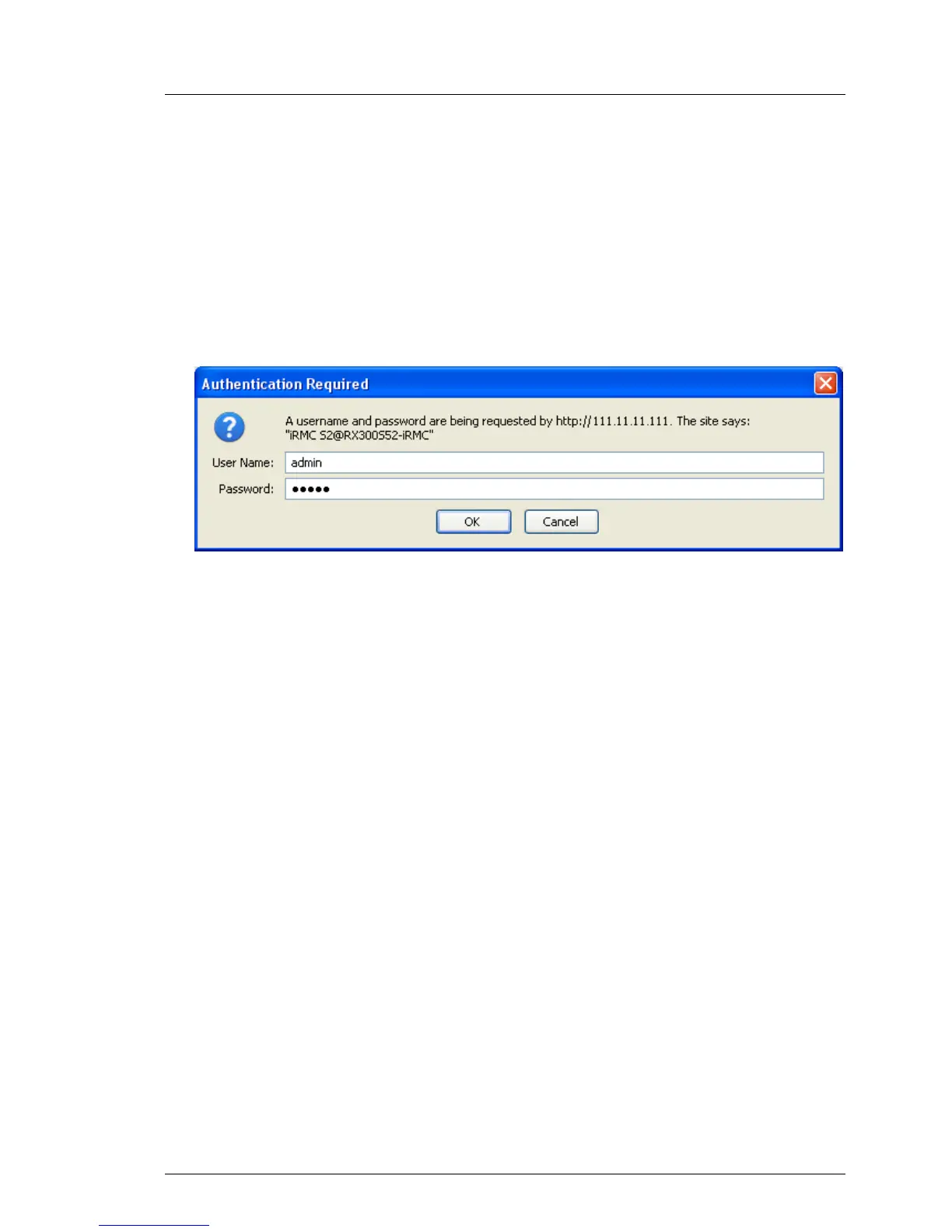
The following login prompt appears:
Figure 6: Login prompt for the iRMC S2/S3 web interface
I If the login prompt does not appear, check the LAN connection (see
section "Testing the LAN interface" on page 47).
Ê Type in the data for the default administrator account.
User name: admin
Password: admin
Ê Click OK to confirm your entries.
The iRMC S2/S3 web interface opens showing the System Information page (see
page 146).



 To Next Page