iRMC S2/S3 121
Providing remote storage at the remote workstation
6.1.3 Connecting storage media as remote storage
Ê In the Storage Devices dialog (see figure 51 and figure 52 on page 120), click
the storage medium that you want to connect as Remote Storage.
Ê Click Connect to connect the selected storage medium as Remote Storage.
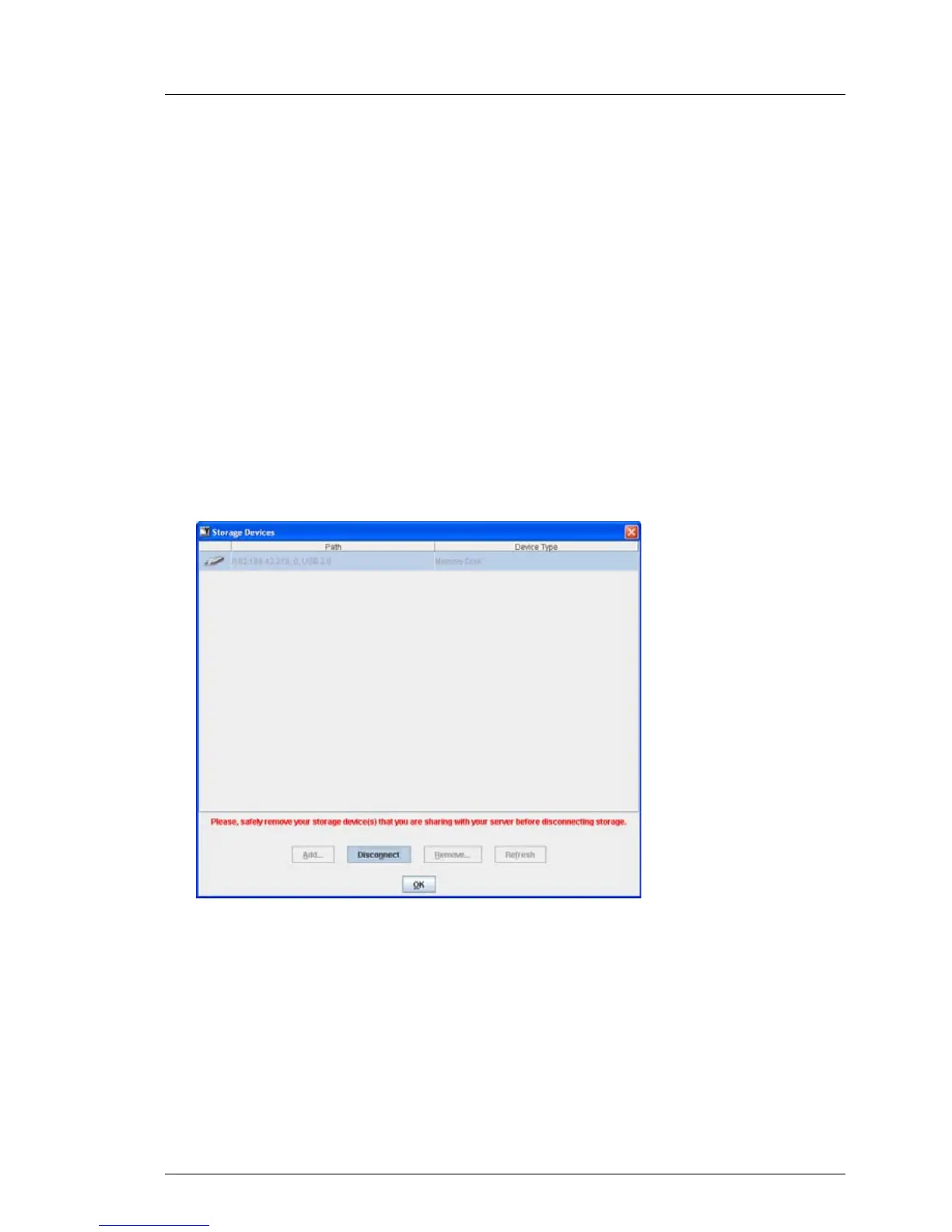
The Storage Devices dialog opens with the message regarding safe removal.
The storage medium is connected as Remote Storage.
I If you wish to connect two storage devices as Remote Storage at the
same time, a confirmation dialog box is displayed before the
connection is established (see section "Connecting two storage
devices as Remote Storage at the same time" on page 123).
Storage Devices dialog: Showing Remote Storage connection (Windows)
Figure 53: Storage Devices dialog: The storage medium is connected as Remote Storage.



 To Next Page