iRMC S2/S3 383
Installing the operating system
11.4.2 Installing Linux on the managed server after
configuration
I The mouse can be used but not synchronized during Linux installation.
I Whenever you change a remote storage medium, you must remove the
remote storage connection for the currently connected medium and then
connect the new medium as remote storage.
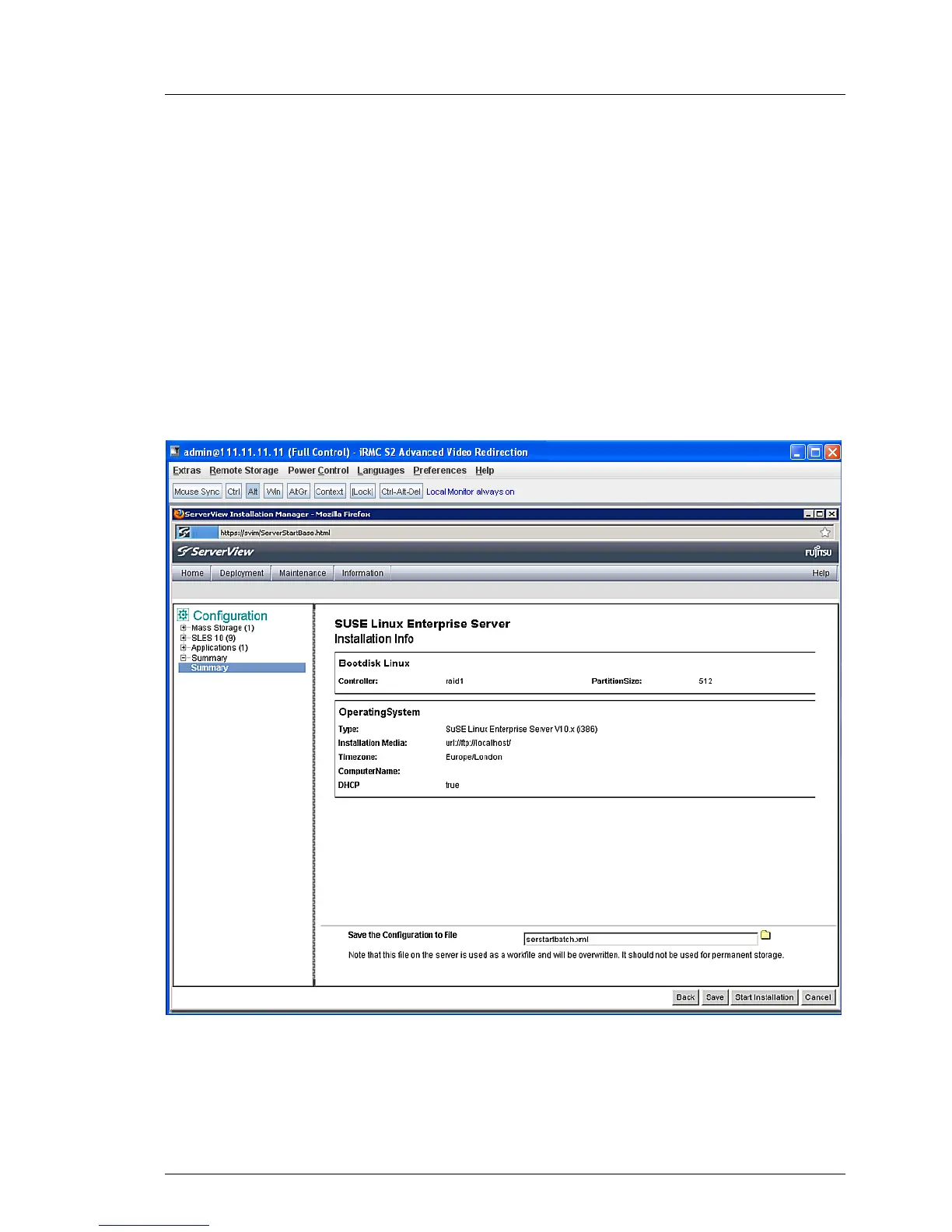
After configuration has been completed, the Installation Manager displays the
following dialog page:
Figure 225: Installation Manager - Installation Info
If you have configured the local CD ROM/DVD ROM drive of the managed
server as the installation source, proceed as follows at the remote workstation:



 To Next Page