114 iRMC S2/S3
Providing remote storage at the remote workstation
6.1.1 Starting Remote Storage
You start the Remote Storage function using the AVR Java applet (see section
"Advanced Video Redirection - Start Advanced Video Redirection (AVR)" on
page 302).
Ê Start the iRMC S2/S3 web interface (see section "Logging into the
iRMC S2/S3 web interface" on page 136).
Ê Open the Advanced Video Redirection page and click on the Start Video
Redirection, button to start Advanced Video Redirection (see section
"Advanced Video Redirection - Start Advanced Video Redirection (AVR)" on
page 302).
This opens the AVR window.
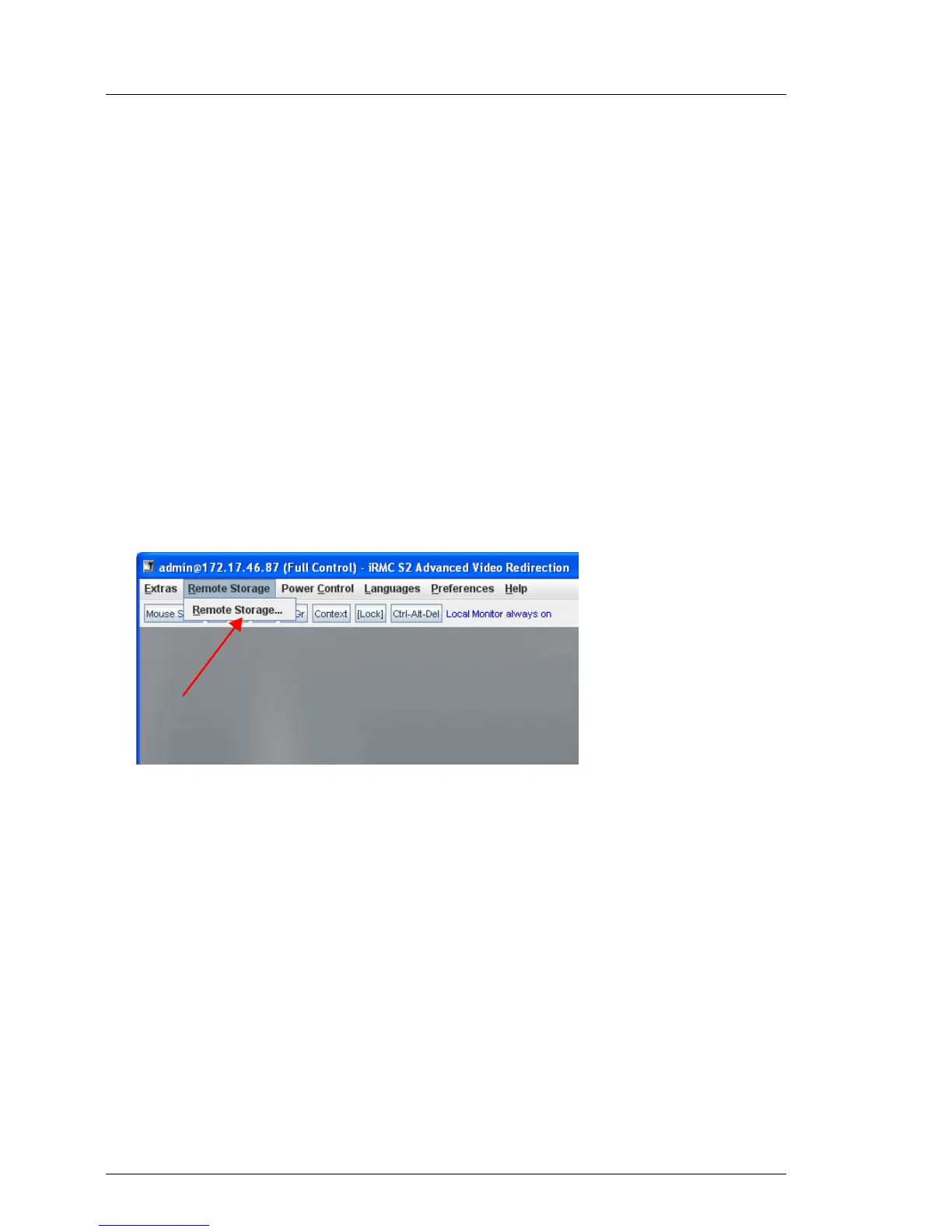
Ê In the menu bar in the AVR window, choose:
Remote Storage - Remote Storage...
Figure 44: AVR window - Remote Storage - Remote Storage...
The Storage Devices dialog box opens, containing the storage media currently
available for Remote Storage.



 To Next Page