iRMC S2/S3 115
Providing remote storage at the remote workstation
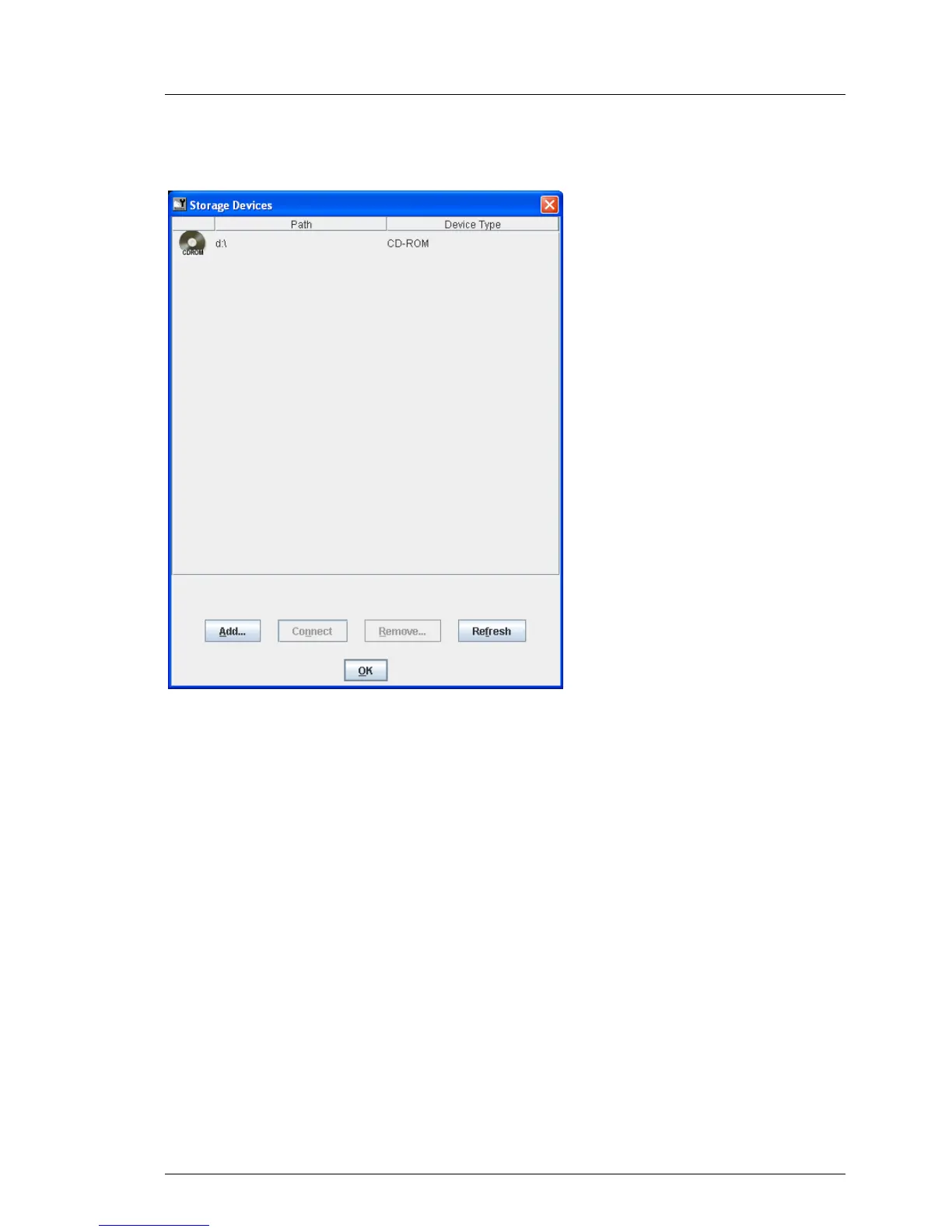
“Storage Devices” dialog box on a Windows system
Figure 45: Storage Devices dialog box
I When a storage medium is inserted in an optical drive (CD ROM, DVD
ROM) the contents are displayed automatically.
Floppy disk drives and CD ROM / DVD ROM drives are not displayed in
the list unless a medium is inserted.
If a storage medium is inserted, but its contents are not displayed, the
storage medium is reserved by the local explorer.



 To Next Page