116 iRMC S2/S3
Providing remote storage at the remote workstation
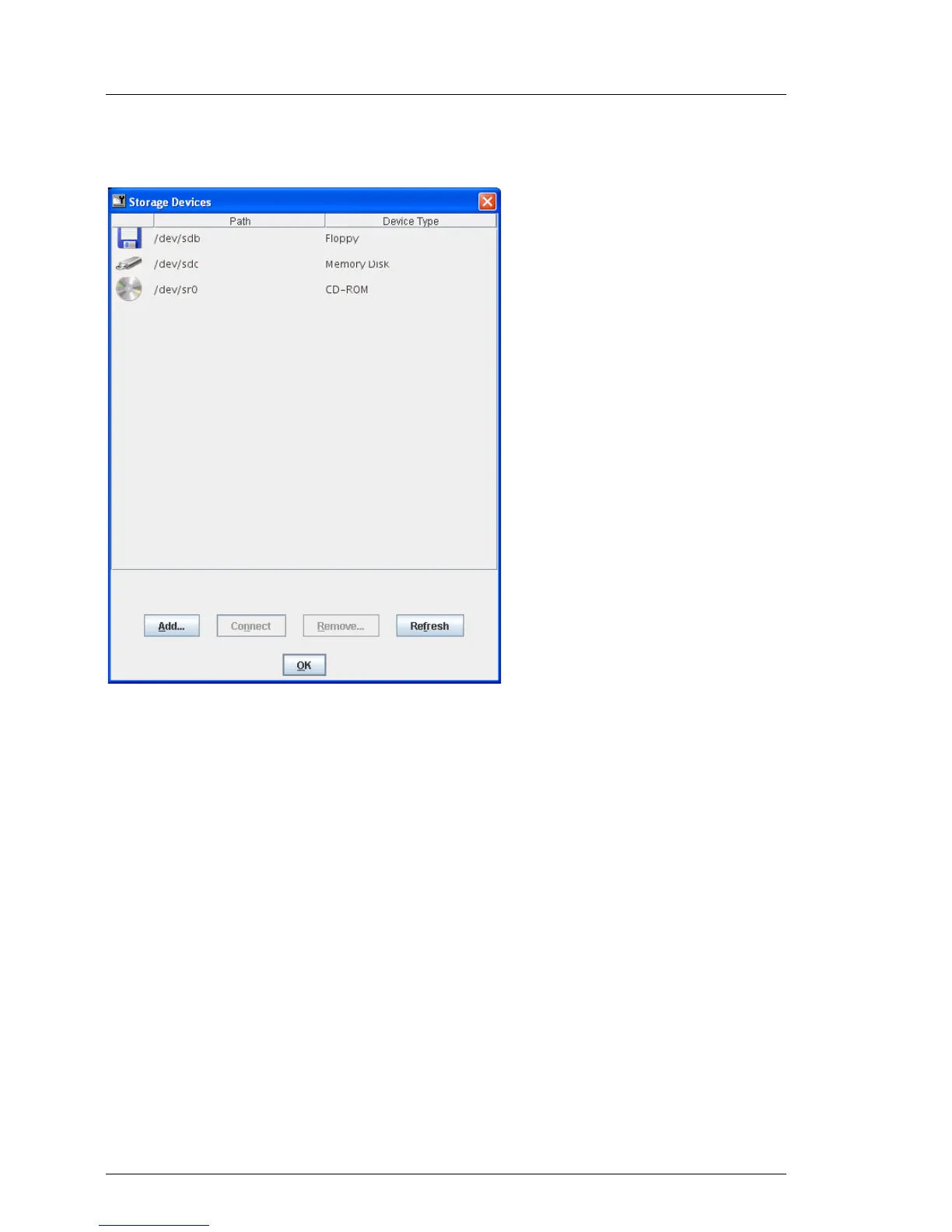
“Storage Devices” dialog box on a Linux system
Figure 46: Storage Devices dialog box
I Physical storage media must be mounted to allow them to be connected
as Remote Storage devices. Mounted storage media are automatically
displayed in the Storage Devices dialog box.



 To Next Page