iRMC S2/S3 79
Local user management for the iRMC S2/S3
4.3.3.3 Configuring PuTTY and the OpenSSH client for using the public
SSHv2 key
Configuring PuTTY for using the public SSHv2 key
The PuTTY program allows you to set up a public-key-authenticated connection
to the iRMC S2/S3 and log in either under your user name or using the auto-
login mechanism. PuTTY handles the authentication protocol automatically on
the basis of the public/private SSHv2 key pair previously generated.
Proceed as follows:
Ê Start PuTTY on your Windows computer.
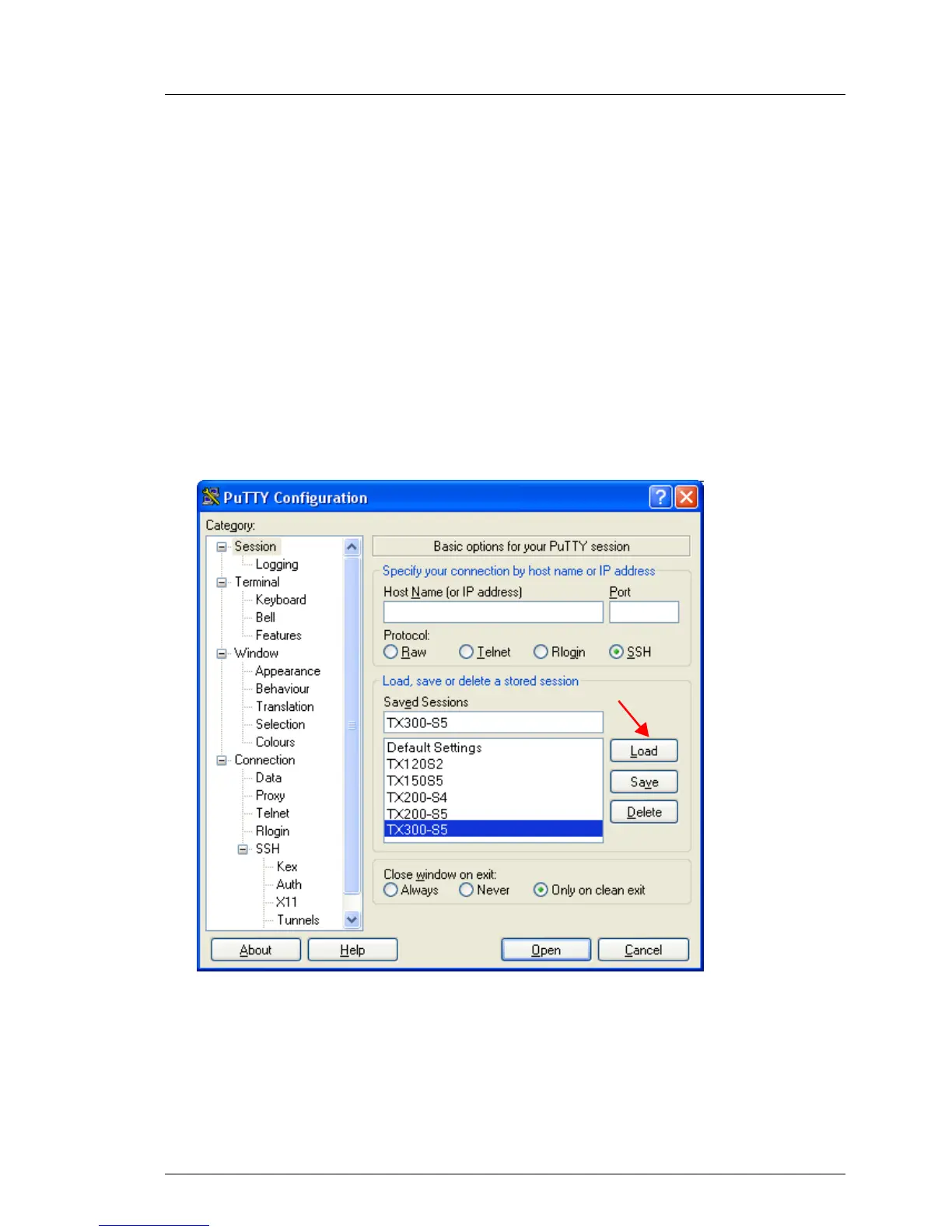
The following window appears when PuTTY is started:
Bild 25: PuTTY: Selecting and loading an SSH session
Ê Select a saved SSH session or create a new SSH session for the
iRMC S2/S3 for which you want to use the SSHv2 key.



 To Next Page