60 iRMC S2/S3
Configuring and using the serial interface of the iRMC S2/S3
3.3.2 Configuring the serial interface using of the
iRMC S3
Ê Call the UEFI setup utility of the managed server. Do this by pressing [F2]
while the server is booting.
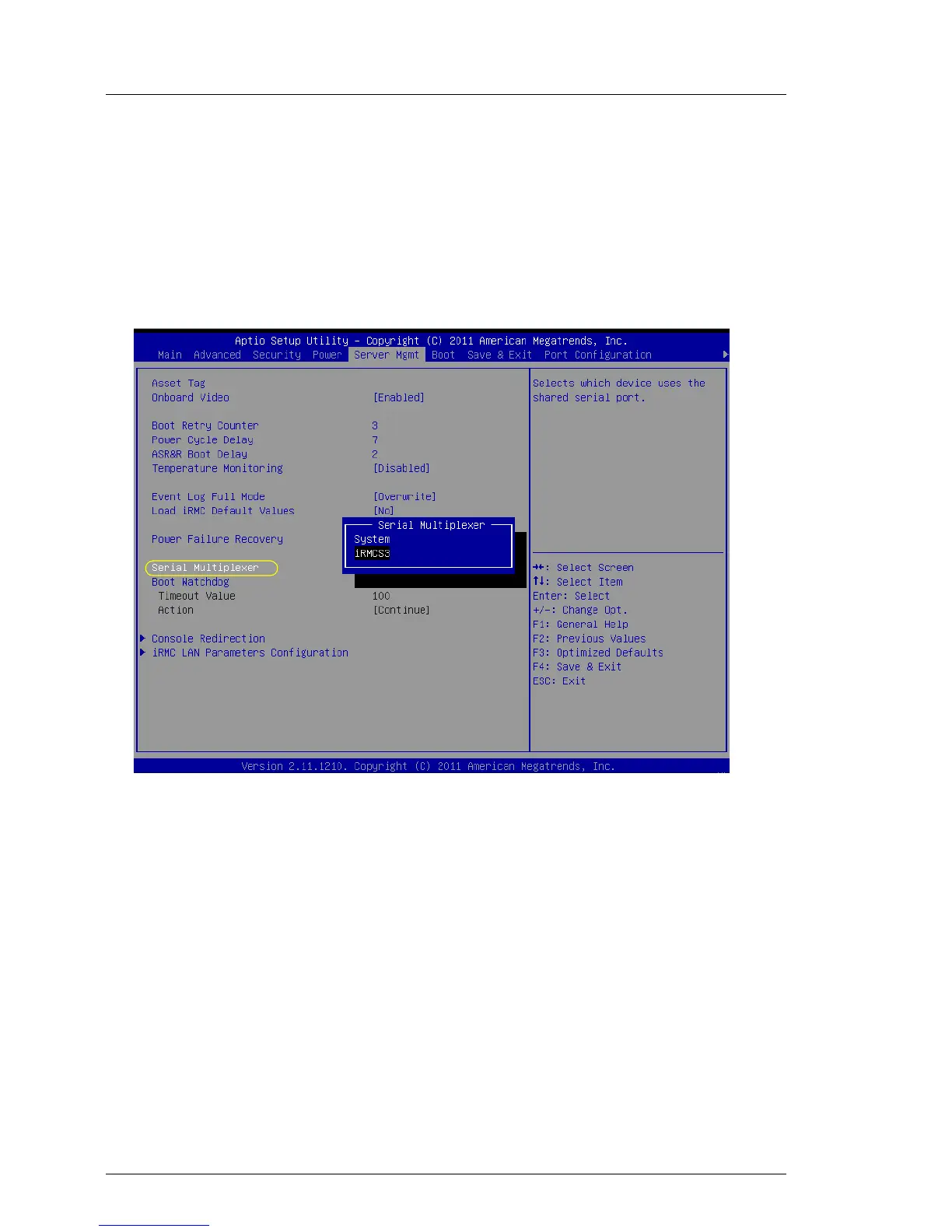
Ê Call the Server Mgmt menu:
Figure 17: Server Mgmt menu
Ê Configure the following settings:
Serial Multiplexer
Set the value to iRMCS3.
Ê Call the Serial Port 1 Configuration menu to configure the serial port:
Advanced – Super IO Configuration – Serial Port 1 Configuration:



 To Next Page