iRMC S2/S3 211
Sensors - Check status of the sensors
7.9 Sensors - Check status of the sensors
The “Sensors” entry provides you with pages which allow you to check the
statuses of sensors of the managed server:
– "Fans - Check fans" on page 212.
– "Temperature - Report the temperature of the server components" on
page 215.
– "Voltages - Report voltage sensor information" on page 217.
– "Power Supply - Check power supply" on page 218.
– "Component Status - Check status of the server components" on page 220.
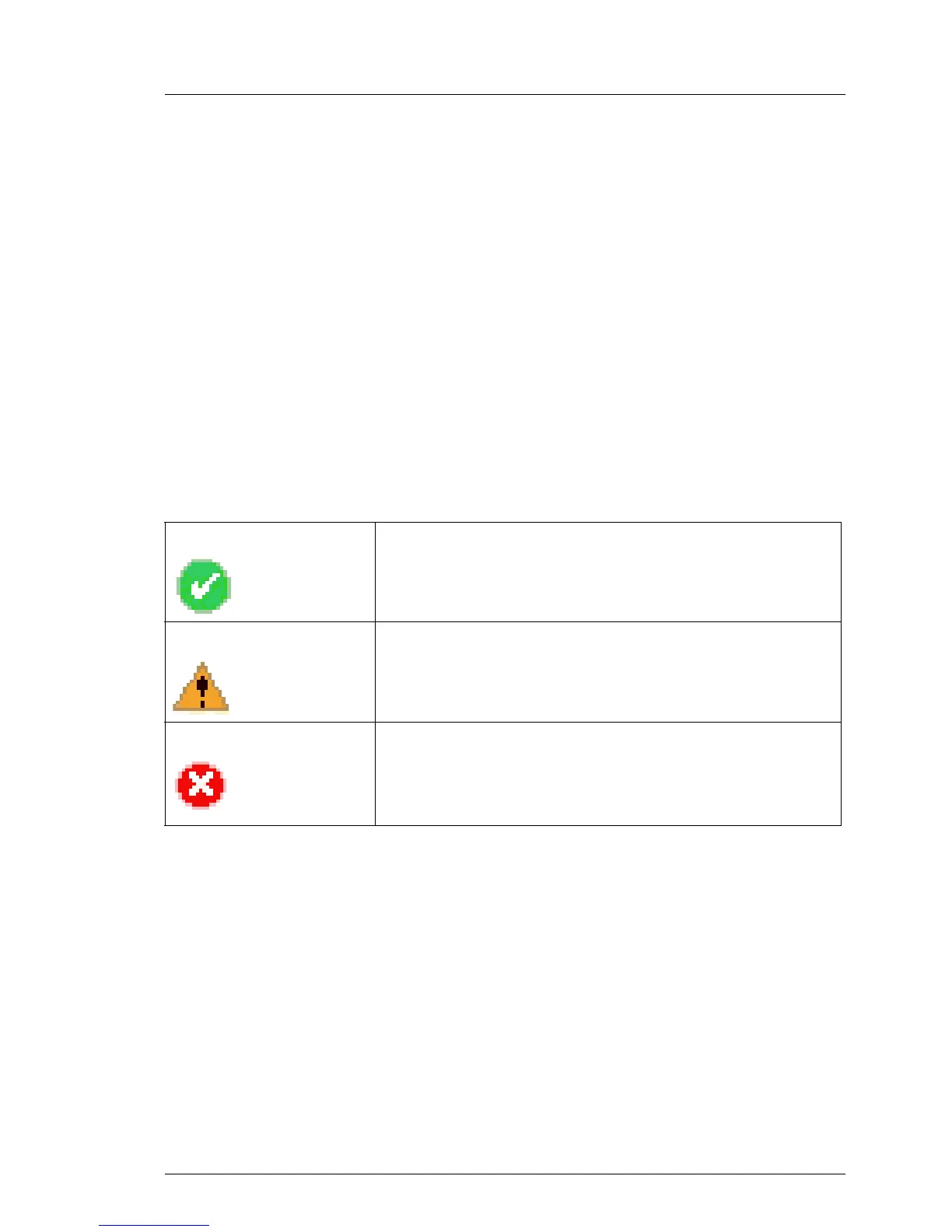
To facilitate checking the status, the sensor status is not only shown in the form
of the current value, but also using a color code and a status icon:
Black (font color)/ The measured value is within the normal operational
value range.
Orange (font color)/ The measured value has exceeded the warning
threshold.
System operation is not yet jeopardized.
Red (font color)/ The measured value has exceeded the critical
threshold.
System operation may be jeopardized and there is a
risk of loss of data integrity.
Table 6: Status of the sensors



 To Next Page