210 iRMC S2/S3
Power Consumption
Enable Power Monitoring
Specifies whether power monitoring is to be carried out.
I Power Monitoring) is enabled by default as of Version 3.32 of the
firmware.
I This setting only applies to PRIMERGY servers that support
consumption logging.
Ê Click Apply to activate your settings.
Ê Click Delete History to delete the displayed data.
Power History Chart
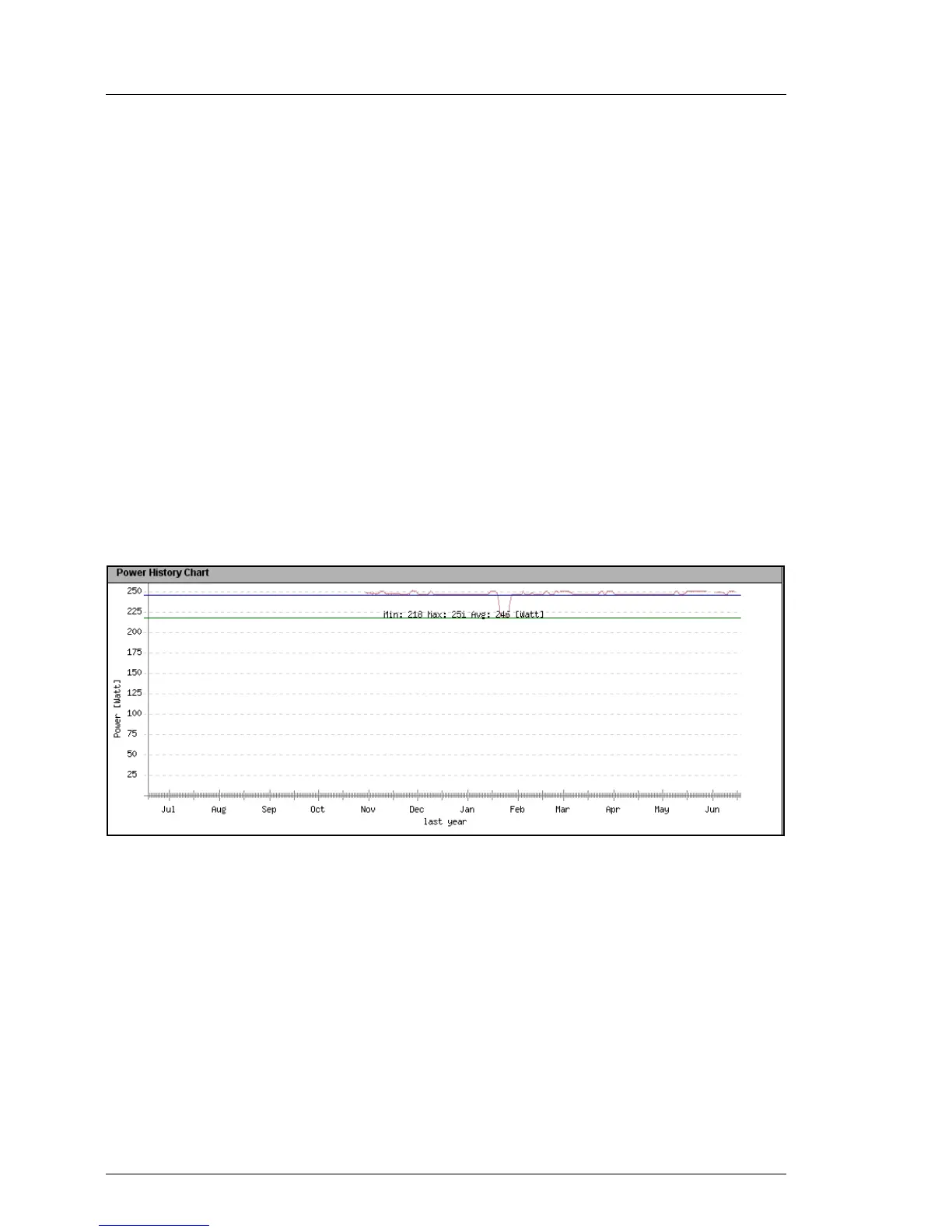
Power History Chart shows the power consumption of the managed server over
time in the form of a graph (using the settings made under Power History
Options). The difference between the actual power consumption and the power
consumption displayed in the power history chart may amount to about 20%.
Figure 117: Power Consumption History - Power History Chart



 To Next Page