iRMC S2/S3 125
Providing remote storage at the remote workstation
6.1.4 Clearing Remote Storage connections
I The Remote Storage connection is automatically released when the AVR
session is disconnected.
Ê Open the Storage Devices dialog (see section "Starting Remote Storage" on
page 114).
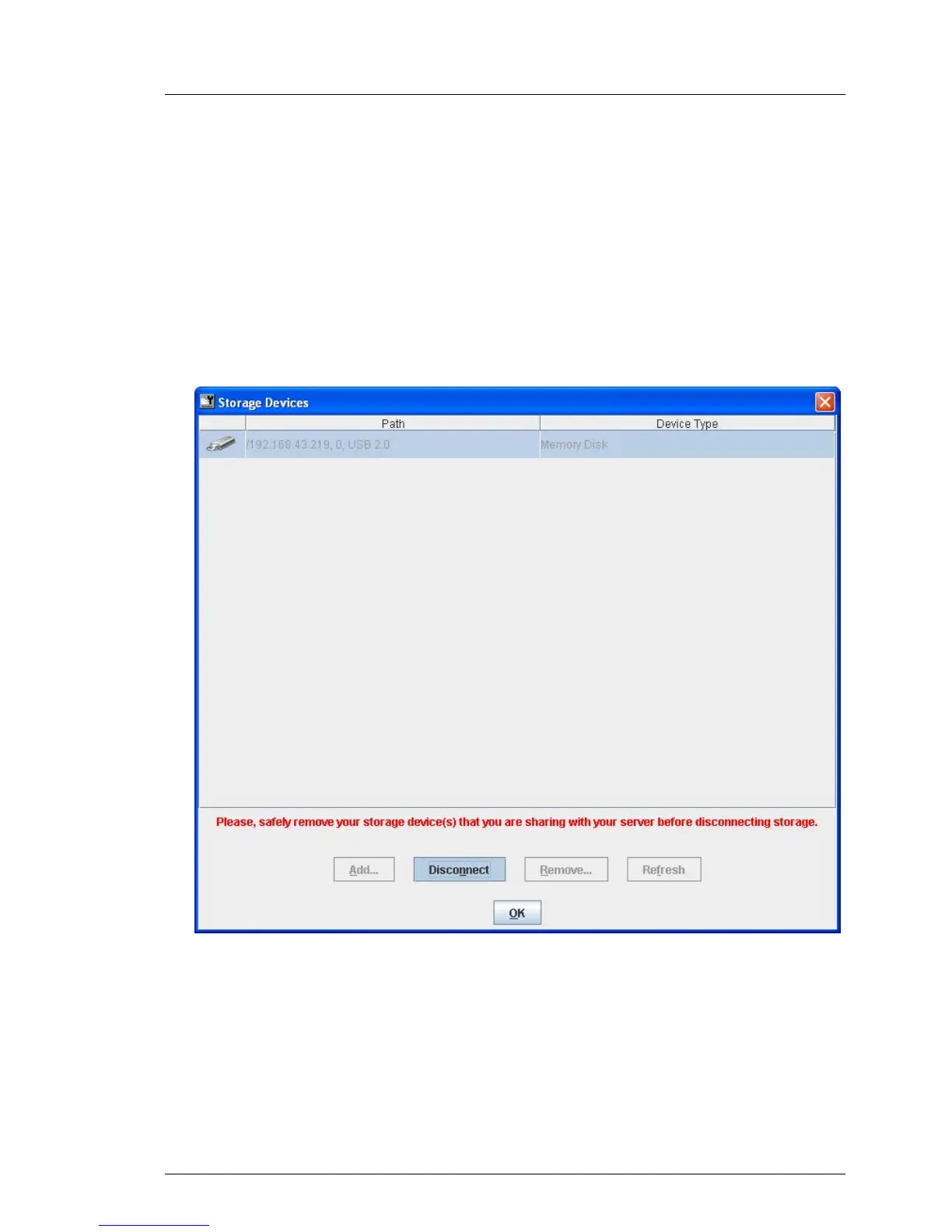
The list of storage media connected as Remote Storage is displayed (using
Windows in the example).
Figure 58: Storage Devices dialog: Clearing Remote Storage connections
Ê “Safely remove” the storage device, i.e. ensure that no more
applications/programs are accessing the storage media.
Ê Click Disconnect to clear all Remote Storage connections.



 To Next Page