iRMC S2/S3 265
User Management
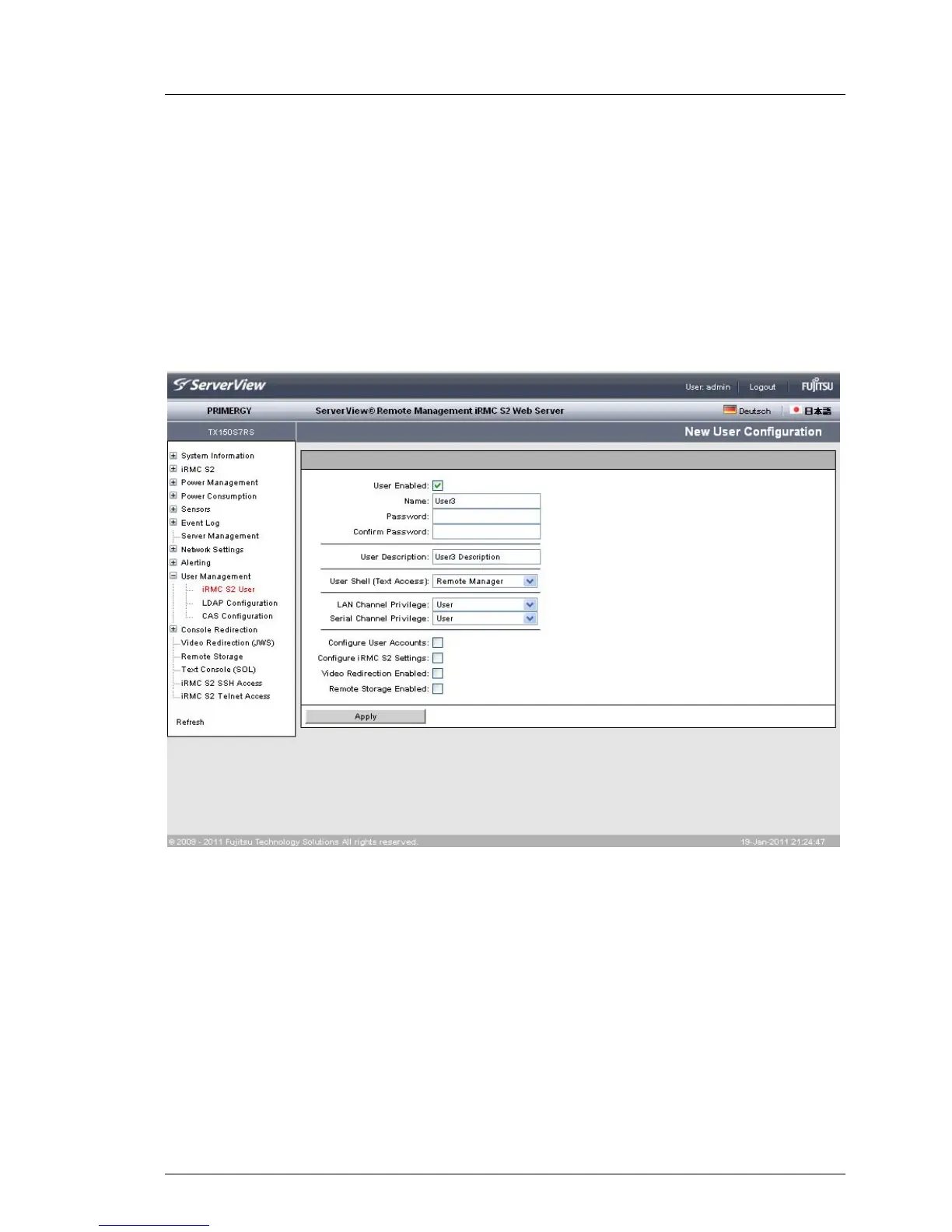
7.14.1.1 New User Configuration - Configuring a new user
The New User Configuration page allows you to configure the basic settings for a
new user.
You will find explanations of the fields and selection lists on the
New User Configuration page as of page 267 under the description of the User
“<name>” Configuration page.
In figure 151 you can see the configuration of a user with the name “User3”.
Figure 151: User Management - New User Configuration page



 To Next Page