iRMC S2/S3 61
Configuring and using the serial interface of the iRMC S2/S3
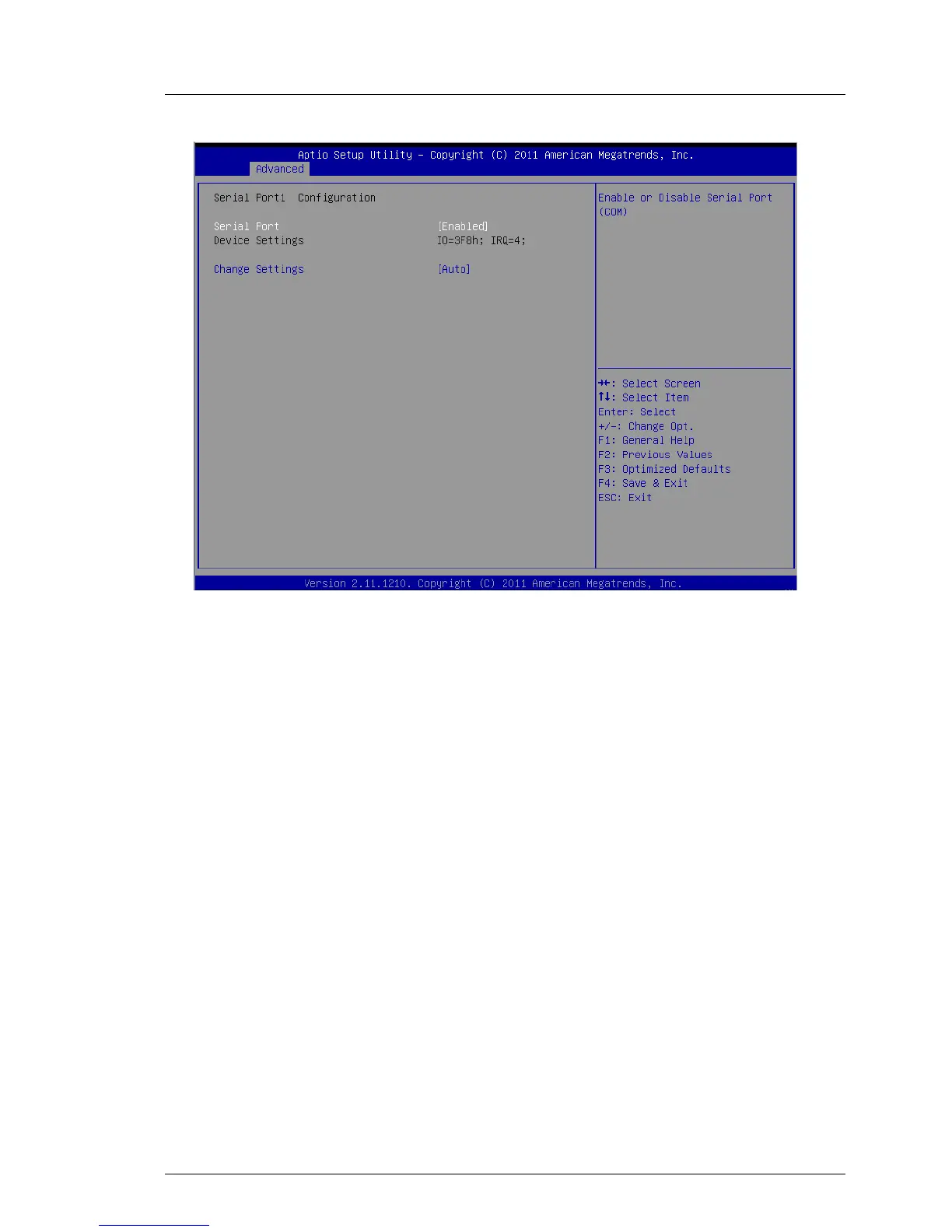
Figure 18: Serial Port 1 Configuration menu
Ê Configure the following settings:
Serial Port
Set the value to Enabled.
Device Settings
Displays the base I/O address and the interrupt used to access the
corresponding serial port, e.g. IO=3F8h; IRQ=4.
Accept the value pair proposed.
The following values are not shown in the menu and are preset (see
page 62, “Terminal program (VT100+)”):
Bits per second
9600
Data bits
8
Parity
None.
Stop bits
1



 To Next Page