80 iRMC S2/S3
Local user management for the iRMC S2/S3
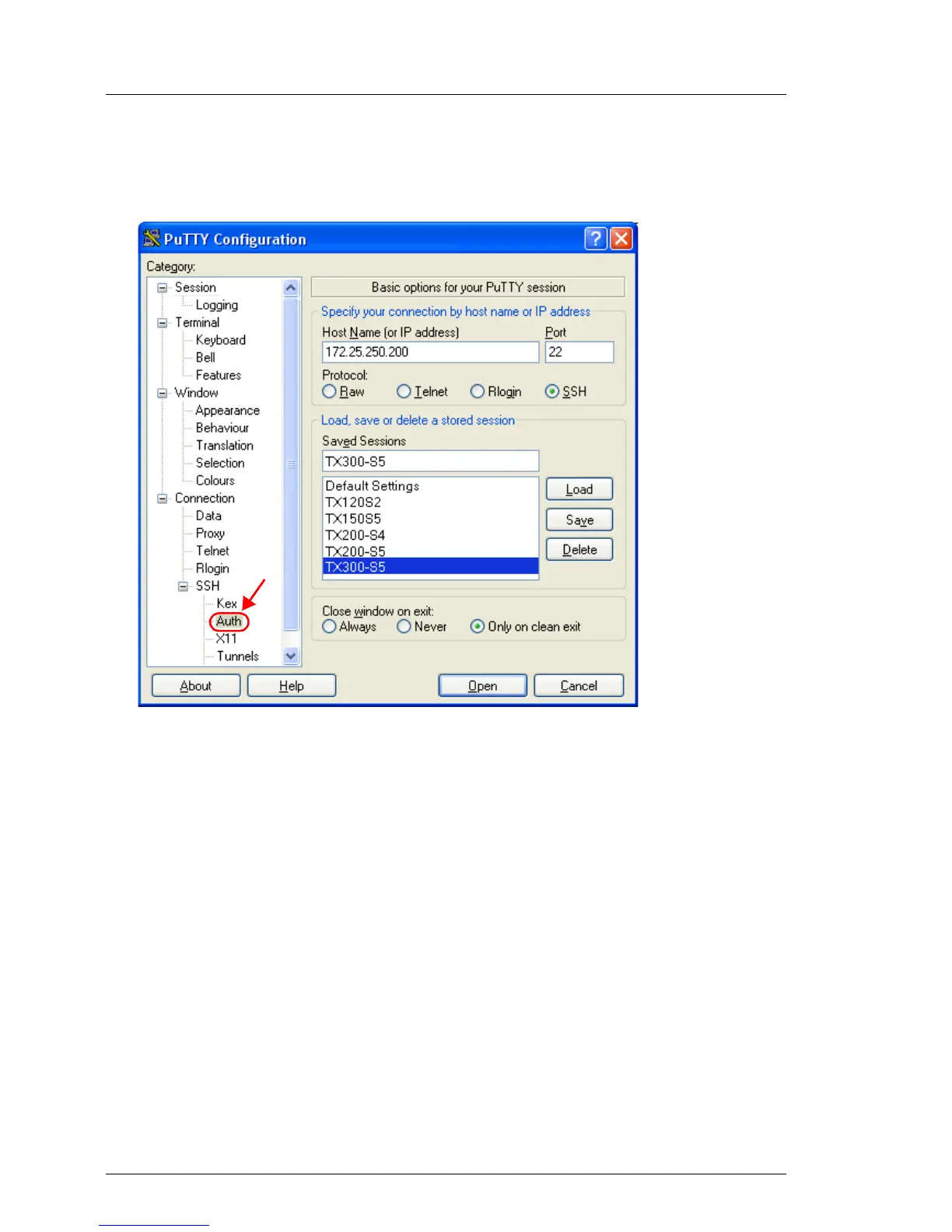
Ê Click Load to load the selected SSH session.
This opens the following window:
Bild 26: PuTTY: Loading an SSH session
Ê Choose SSH - Auth to configure the SSH authentication options.
This opens the following window (see figure 27 on page 81).



 To Next Page