iRMC S2/S3 123
Providing remote storage at the remote workstation
Connecting two storage devices as Remote Storage at the same time
I The example in the following section illustrates how to simultaneously
connect two storage media as Remote Storage on a Windows system.
The same procedure applies for Linux systems.
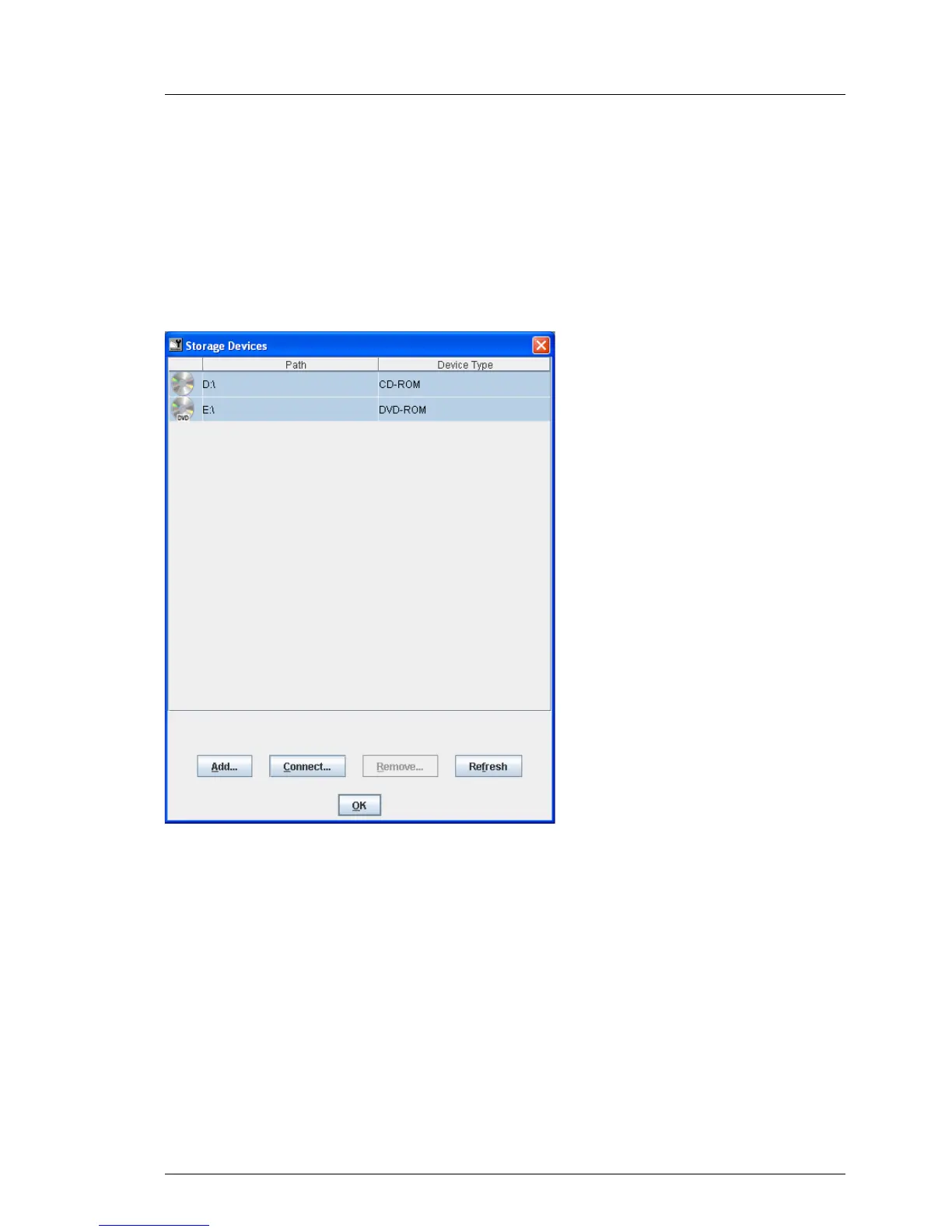
In figure 55, you can see that two storage devices have been provided as
Remote Storage:
Figure 55: Storage Devices dialog: Connecting 2 storage devices as Remote Storage
Ê Select the two storage devices and click Connect to connect the storage
devices as Remote Storage.
The system then makes a proposal regarding the assignment of your
storage devices to USB 1.1 and USB 2.0 (see figure 55 on page 123).



 To Next Page