iRMC S2/S3 133
Providing remote storage via a Remote Storage server
Starting the Remote Storage server
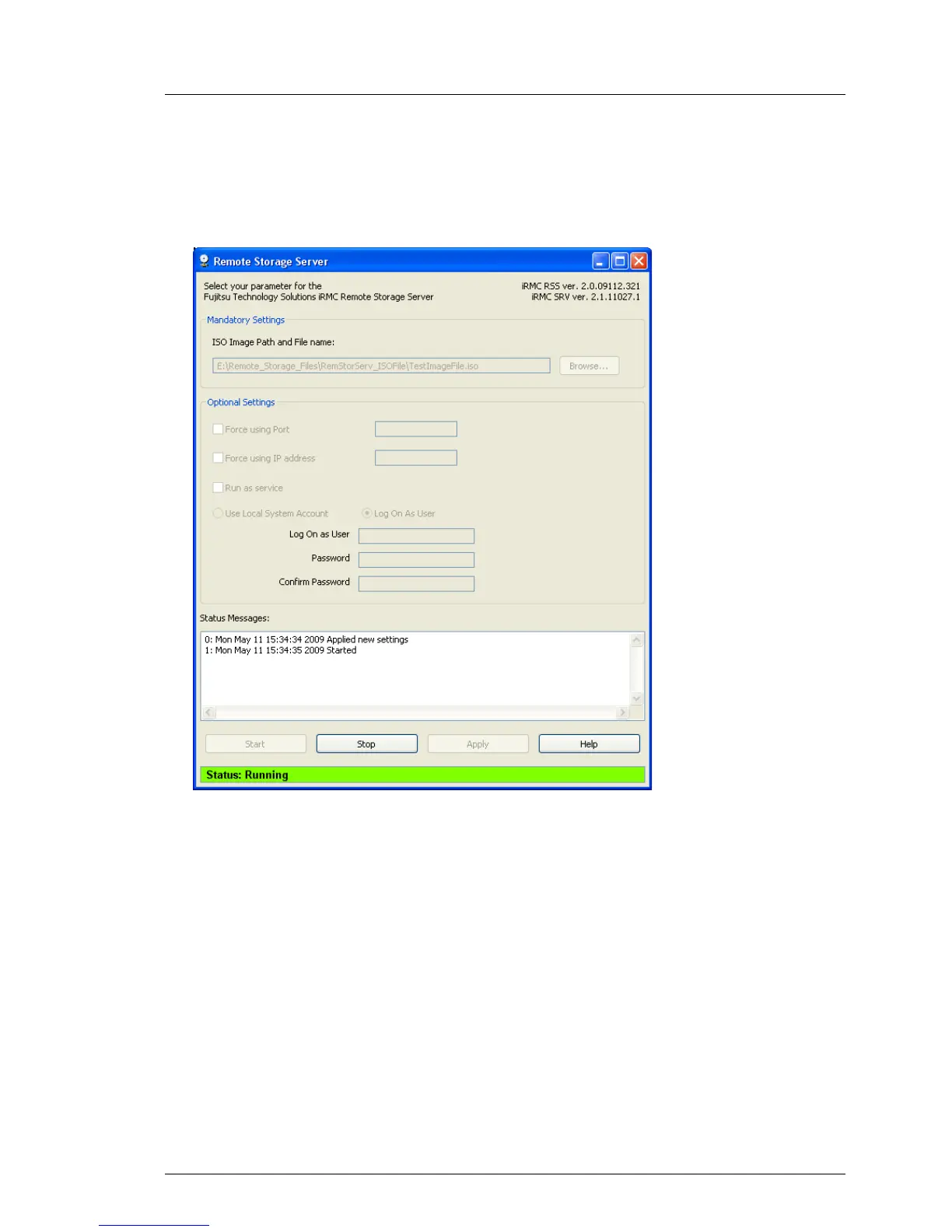
Ê Click the Start button to start the Remote Storage server as a service or as
a stand-alone program:
Figure 61: The Remote Storage server is executed (“Running” status)
Status Messages:
The logged execution states of the Remote Storage server are displayed
here.
I If the Run as service execution mode is configured (see page 132), then
the Remote Storage server is started automatically when the computer
on which the Remote Storage server is installed is booted.
I Execution of the Remote Storage server is not interrupted automatically
if the graphical user interface is exited.
Exiting the Remote Storage server
Ê Click the Stop button to terminate execution of the Remote Storage server.



 To Next Page